Loading Paper(P. 124)
Is the machine installed in an environment where the temperature changes
rapidly and drastically?
● When the temperature changes rapidly in the environment where the machine is installed, condensation
occurs, which may cause fading or bleeding in images and text. If <Control Condensation> is set to <On>,
condensation inside the machine will be removed. Condensation removal may be performed automatically
due to temperature change.
<Control Condensation>(P. 346)
● While condensation removal is being performed, printing may not be performed properly and blank paper
may be output.
● If you set to <On>, you need to keep the machine turned ON to maintain the effect of condensation
removal.
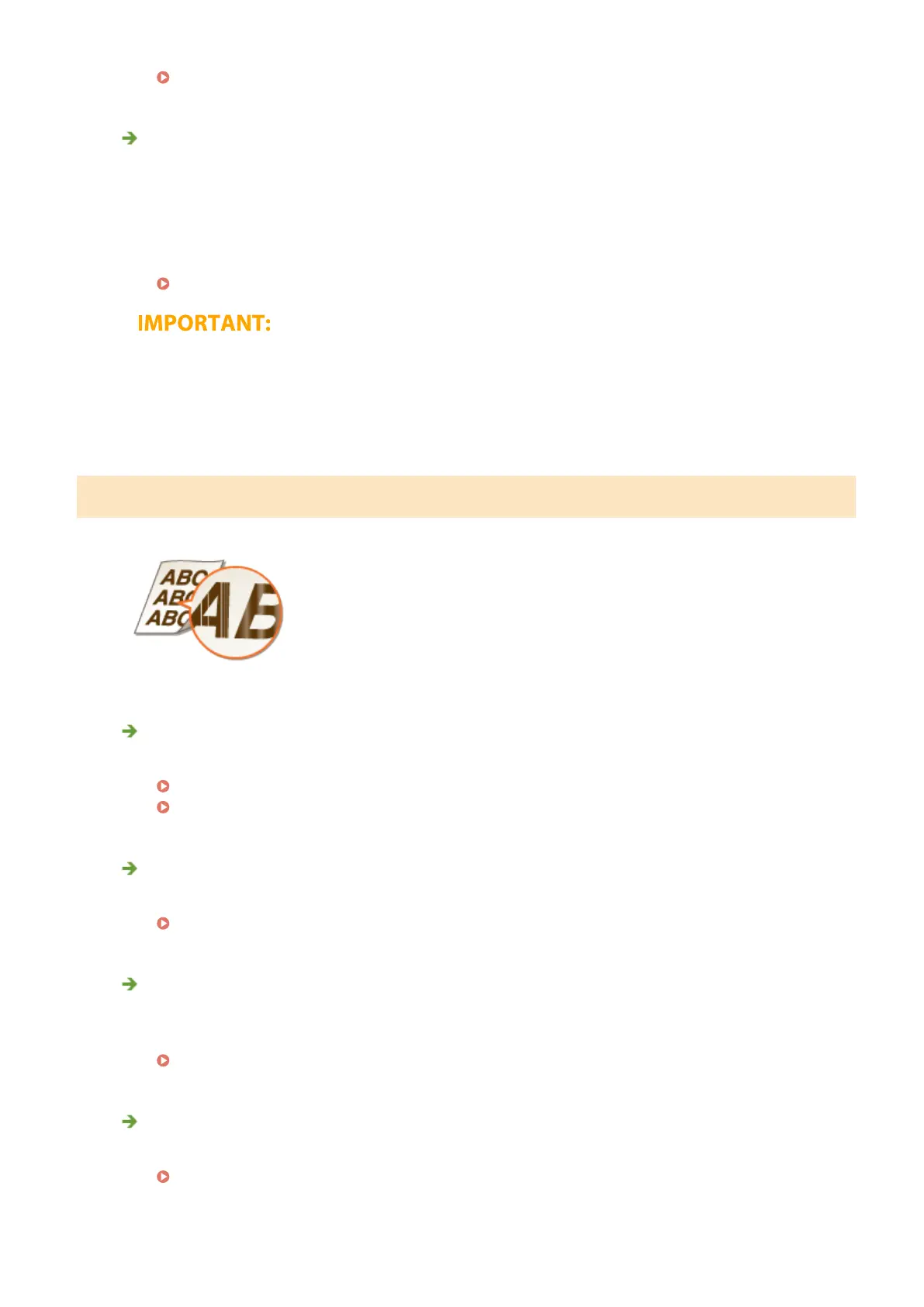
Streaks Appear/Printing is Uneven
Are you using appropriate paper?
● Check usable paper, and replace with appropriate paper.
Available Paper(P. 521)
Loading Paper(P. 124)
Have you cleaned the xing unit?
● Clean the xing unit.
Cleaning the Fixing Assembly(P. 425)
Is the amount remaining in toner cartridge running low?
● Check how much the amount remaining in toner cartridges is left, and replace the toner cartridges as
necessary.
Replacing the Toner Cartridge(P. 427)
Is it time to replace the toner cartridge?
● Materials inside the toner cartridge may have deteriorated. Replace the toner cartridge.
Replacing the Toner Cartridge(P. 427)
Troubleshooting
466













 To Next Page