● While condensation removal is being performed, printing may not be performed properly and blank paper
may be output.
● If you set to <On>, you need to keep the machine turned ON to maintain the effect of condensation
removal.
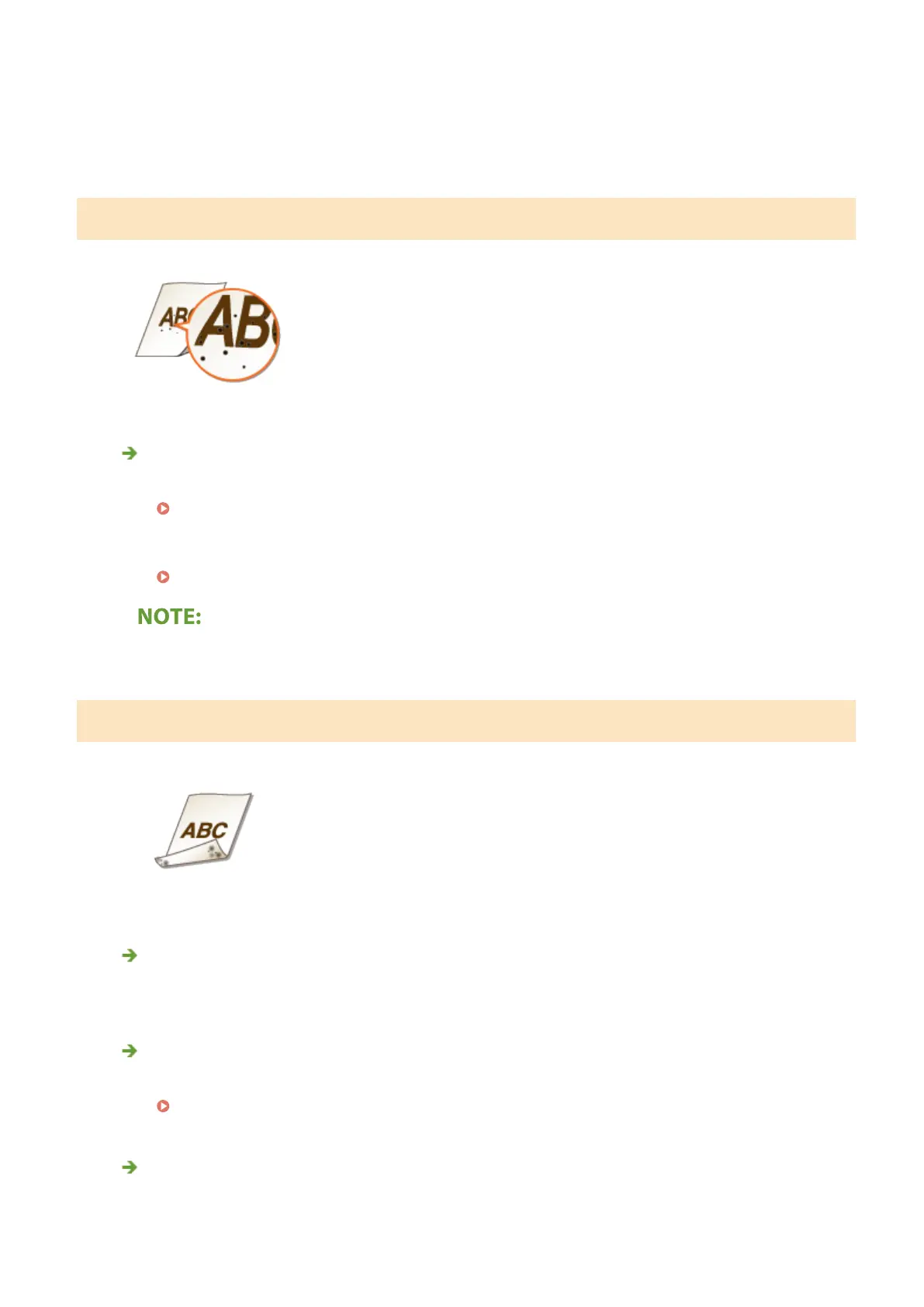
Spots Appear
Have you cleaned the xing unit?
● Clean the xing unit.
Cleaning the Fixing Assembly(P. 425)
● If cleaning the xing assembly does not solve the problem, setting <Fix. Roller Contam. Reduction> to
<On> may solve the problem.
<Fix. Roller Contam. Reduction>/<Reduce Toner Fixing Stain 1>(P. 343)
● If you set to <On>, the printing speed may be slower.
Reverse Side of Paper is Smudged
Have you loaded paper that is smaller than the size of the print data?
● Check to make sure that the paper size matches the size of the print data.
Have you cleaned the xing unit?
● Clean the xing unit.
Cleaning the Fixing Assembly(P. 425)
Do smudges appear on 2-sided printed paper? (LBP612Cdw)
● When performing 2-sided printing, the image may be blurry on the back side of paper in the trailing edge.
Setting <Correct Blurry Image> to <On> may solve the problem.
Troubleshooting
470













 To Next Page