157
Contents
Preparation/
Setup
Print Using a
Computer
Appendix
IndexPrint/SaveInput/Edit
Names of
Components
Maintenance/
Printer Settings
Trouble-
shooting
11
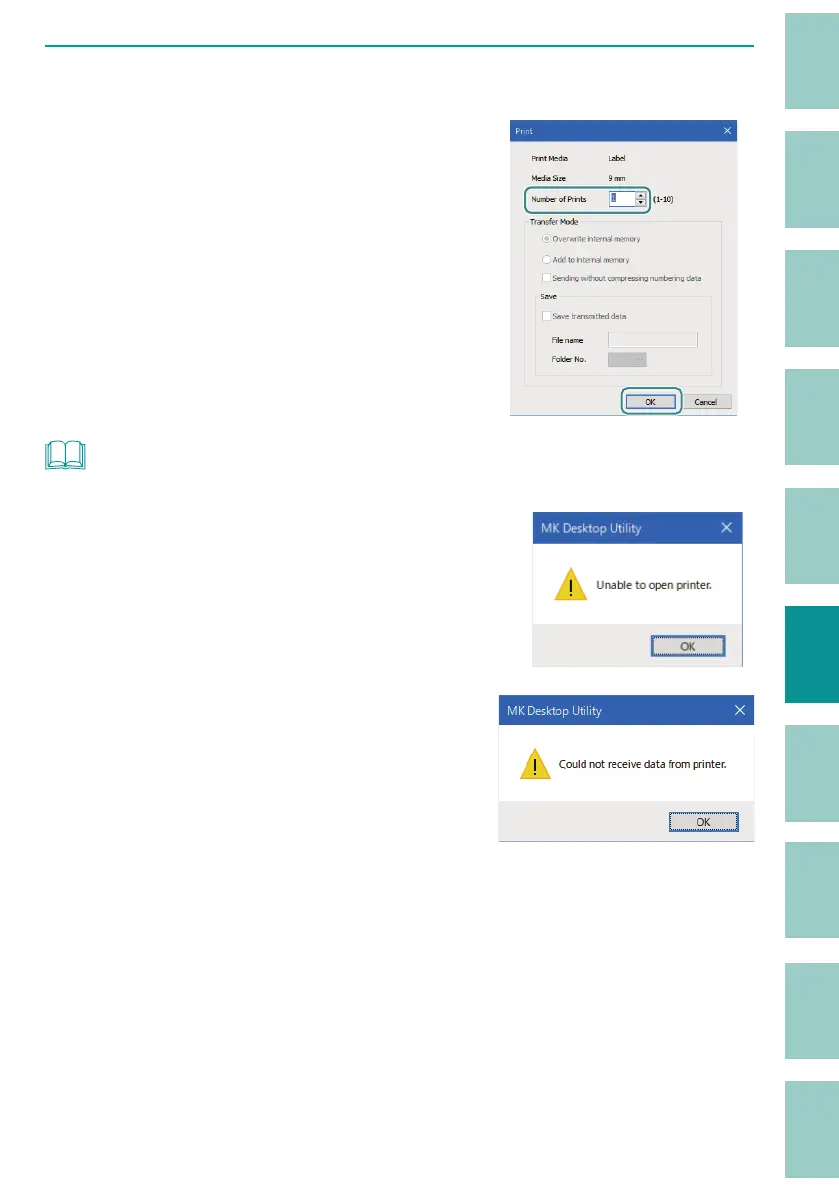
Specify the number of tubes (or labels) to print, and click [OK].
Specify the number of tubes (or labels) to be
printed in the range of 1 to 10.
When you click [OK], printing of the compound
page will star
t.
NOT
• The transfer mode and saving cannot be set.
• If the message "Unable to open printer." appears, con rm
the following.
- The printer is turned on and the computer is connected
to the printer with a USB cable.
- The printer is selected correctly.
(P.151)
• If the message "Could not receive data from printer."
appears, the printer has not switched to the PC connection
mode. Switch the printer to PC connection mode.
(P.151)



 To Next Page