156
Contents
Preparation/
Setup
Print Using a
Computer
Appendix
IndexPrint/SaveInput/Edit
Names of
Components
Maintenance/
Printer Settings
Trouble-
shooting
9
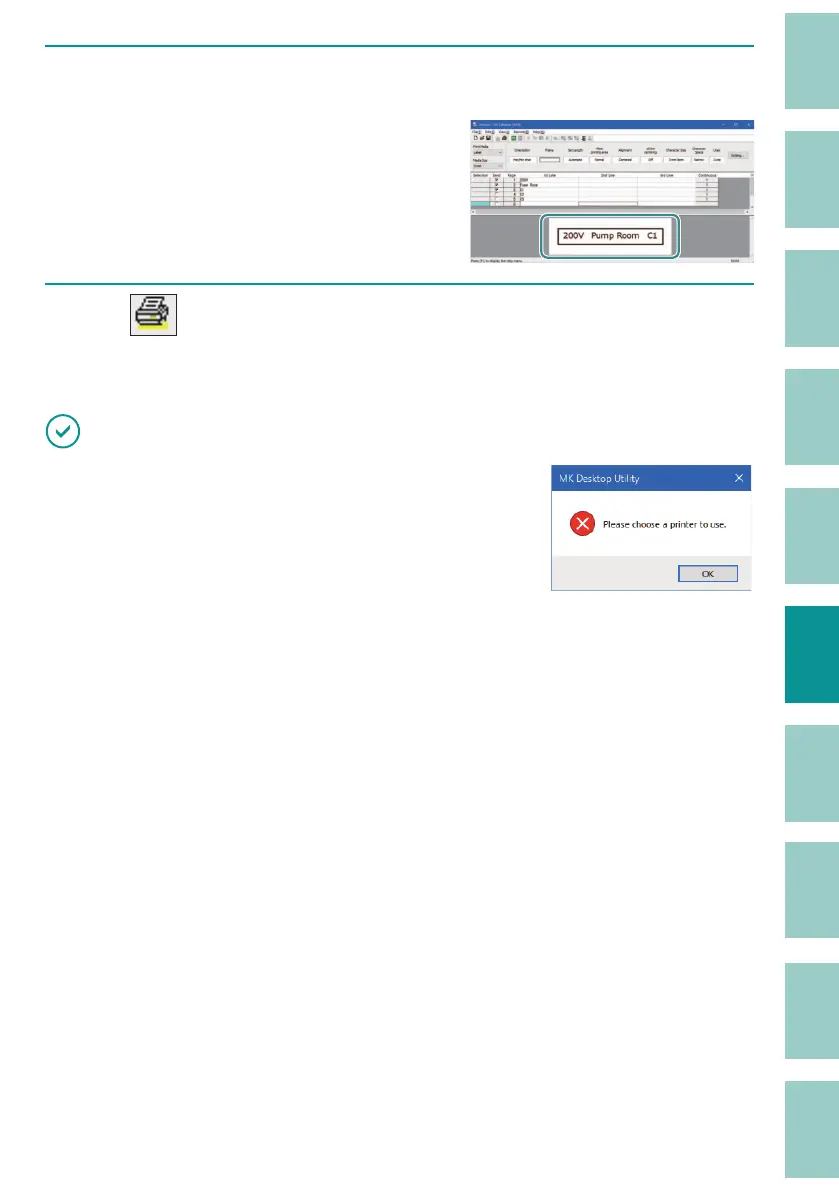
Click [OK].
When you click [OK], the settings are re ected
in the preview area of the display.
10
Click (Print).
Or, select [Print] from the [File] menu.
IMPORTANT
• If the message is displayed, the printer to use is not
selected. Select the printer from [Select printer] on the [File]
menu.
(P.151)



 To Next Page