95
Contents
Preparation/
Setup
Print Using a
Computer
Appendix
IndexPrint/SaveInput/Edit
Names of
Components
Maintenance/
Printer Settings
Trouble-
shooting
■
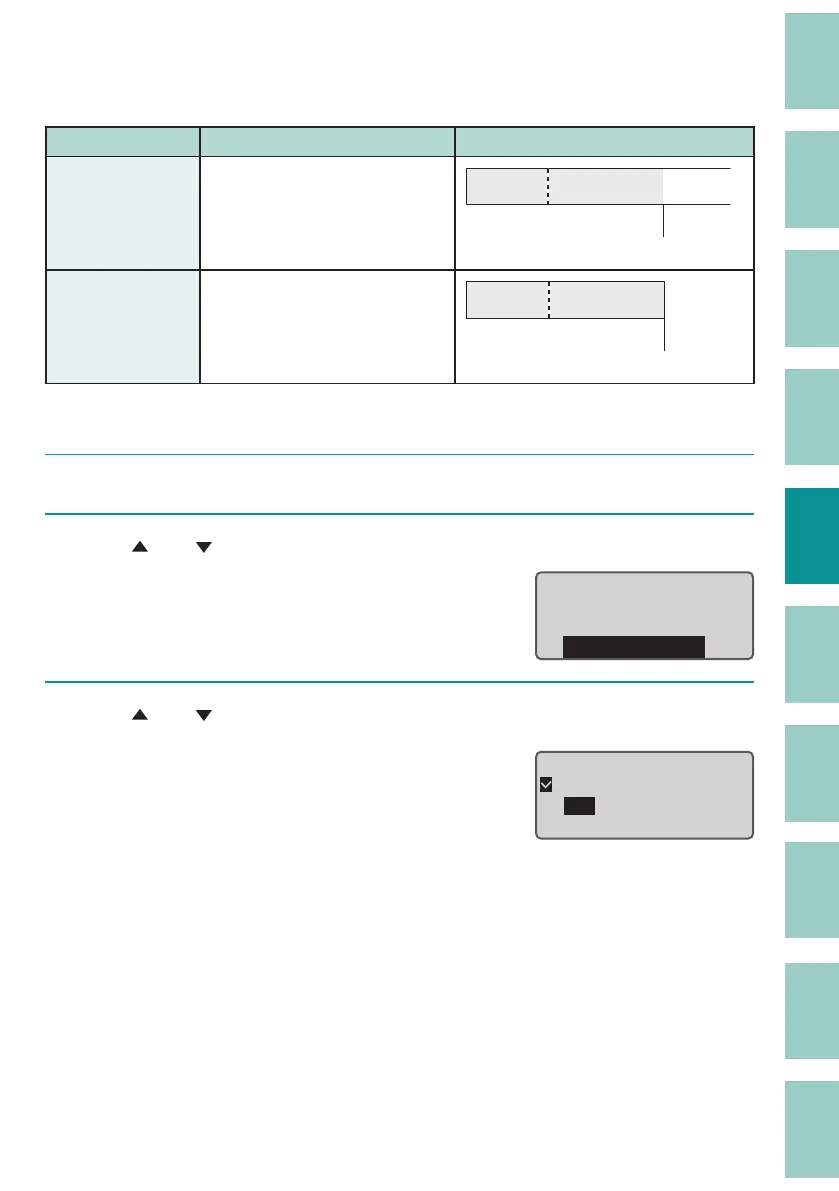
Changing the Plate Full Cut
The default setting is "O (Plate Full cut).
Plate Full cut Details Print Preview
O
(Default Setting)
Not cut the end of printing.
Not cut
A1 Pump Room
On Cuts at the end of printing.
Full cut
A1 Pump Room
[Example] When a plate is printed, the end of the printing is cut with a full cut.
1
Press the [Set Cut] key.
2
Use [ ] or [ ] to select "Plate Full cut," and then press the [Enter] key.
6HW
&XW
Half cut
Full
cut
Plate Full cut
3
Use [ ] or [ ] to select "On," and then press the [Enter] key.
The display returns to the character input
display.
O
On
Plate Full cut



 To Next Page