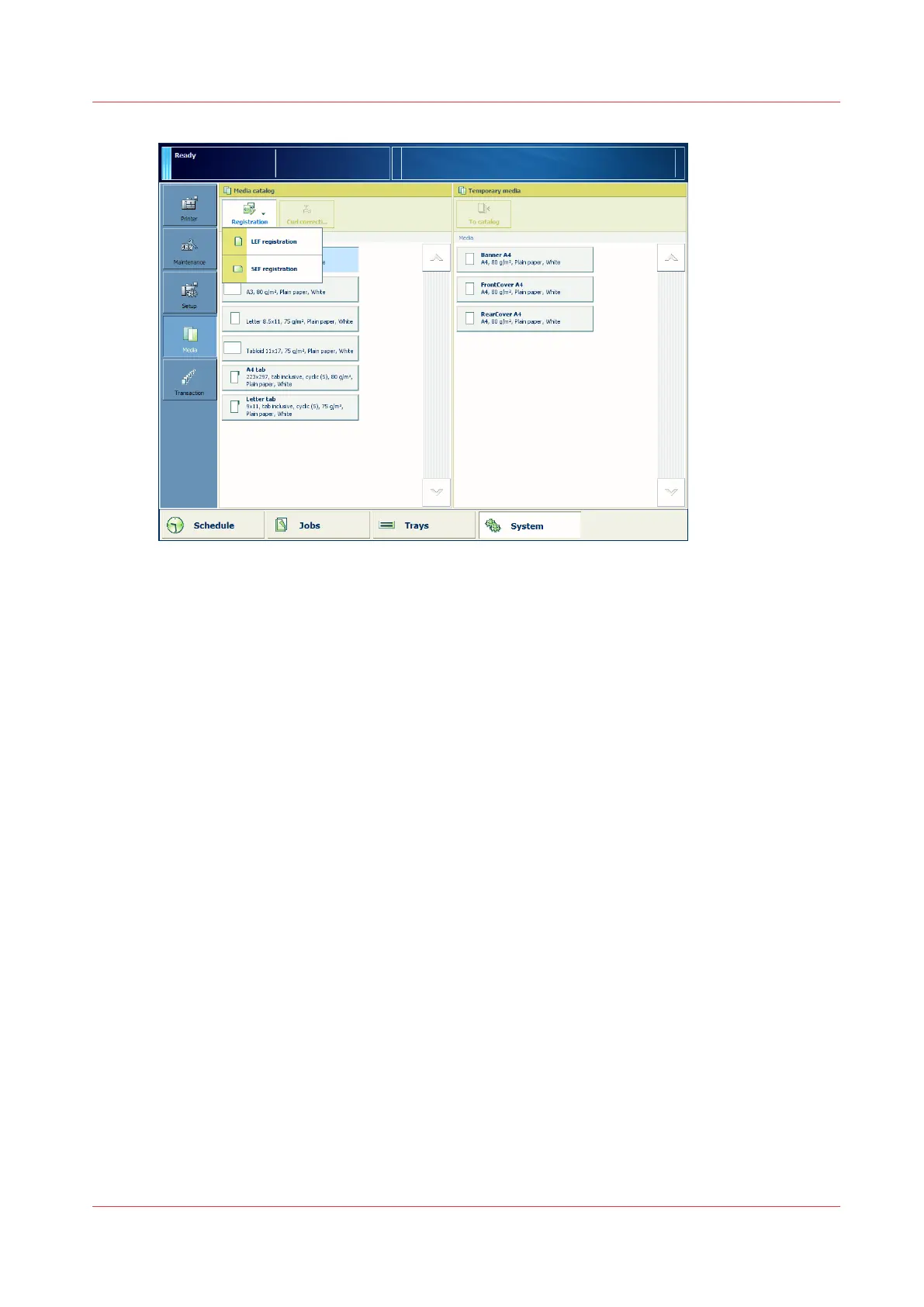
2. From the media catalog, select the media for which you want to perform the media
registration.
3. Touch [Registration].
When the media is larger than 420 mm (16.5") in X direction (feed direction), you get a
reminder to enter the actual sheet size via the manual adjustment.
4. Select the feed direction for which you want to perform the media registration.
5. At [Manual adjustment], touch [Start].
When a maintenance PIN is defined in the Settings Editor, a numerical keyboard appears.
6. Enter the maintenance PIN to start the manual adjustment.
7. Touch [Next].
Via the Control Panel
Chapter 5 - Media Handling
97
Canon varioPRINT 135 Series














 To Next Page