Chapter 5 – Troubleshooting
Section 5.5 - Confirmation Messages
5-24
Section 5.5 Confirmation Messages
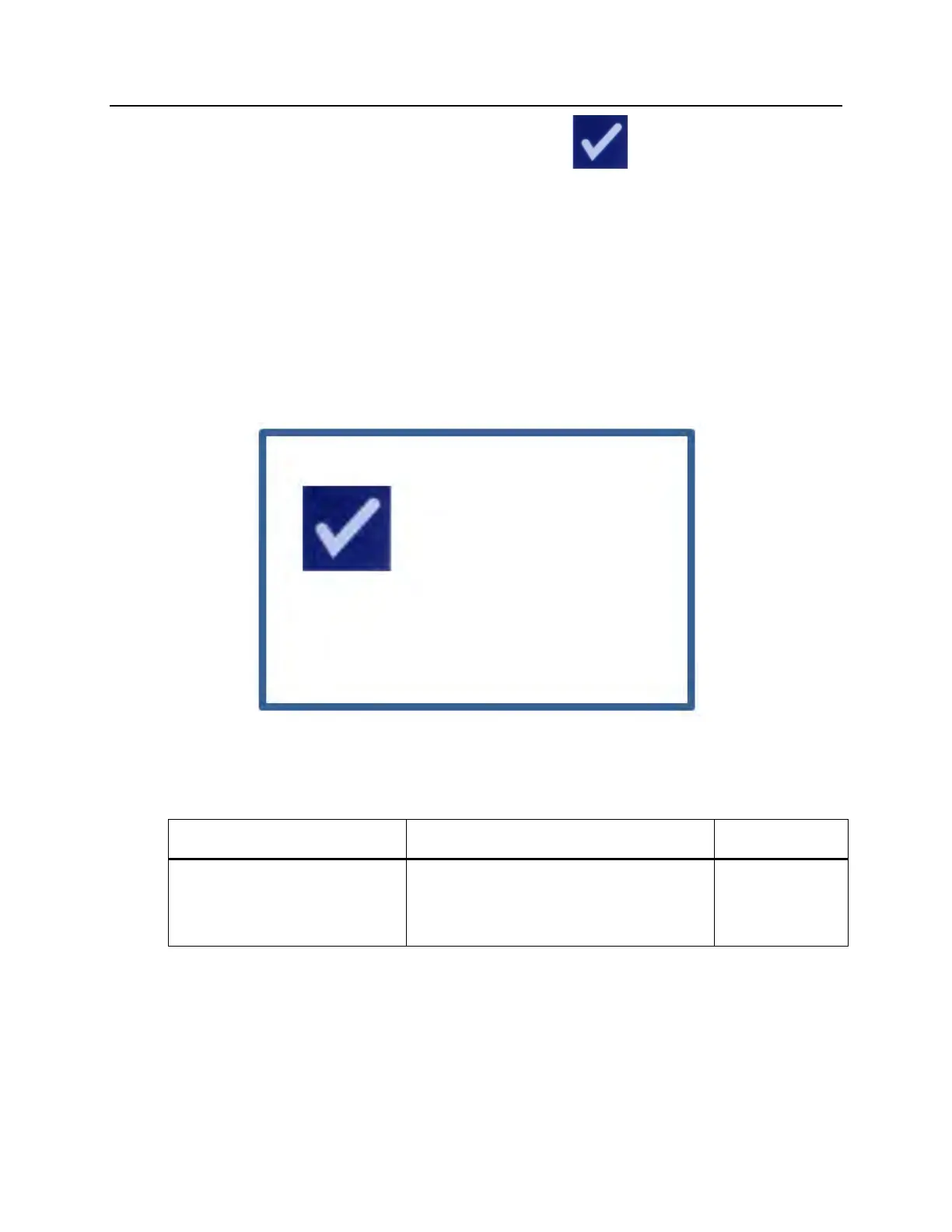
This section deals with non-alarm pop-up screens. The confirmation messages will
be indicated by a blue-bordered pop-up screen containing an icon with a
check mark in a box. These text messages will typically be displayed to provide
general operator information. They will contain data entry information that
should be confirmed to ensure accuracy of data.
In general these screens will contain ‘Edit’ and ‘OK’ function buttons. If the
information is incorrect, press the ‘Edit’ button to change the data. If the
information is correct, press the ‘OK’ button to proceed.
An exception to the Confirmation Message convention is when the ‘Stop’ button
is pressed during treatment. The following describes that message in detail. Refer
to Section 4.7 for Illumination Interruption details.
Message This occurs if: Service Light
Are you sure you want to
stop treatment?
The ‘Stop’ button is pressed during a
treatment. Press the ‘No’ button to
continue illuminating or the ‘Yes’
button to quit.
Off



 To Next Page