ASXPRESS PLUS Rapid Sample Introduction System Operator’s Manual
Chapter 9: Configuring the ASXpress Plus System
104
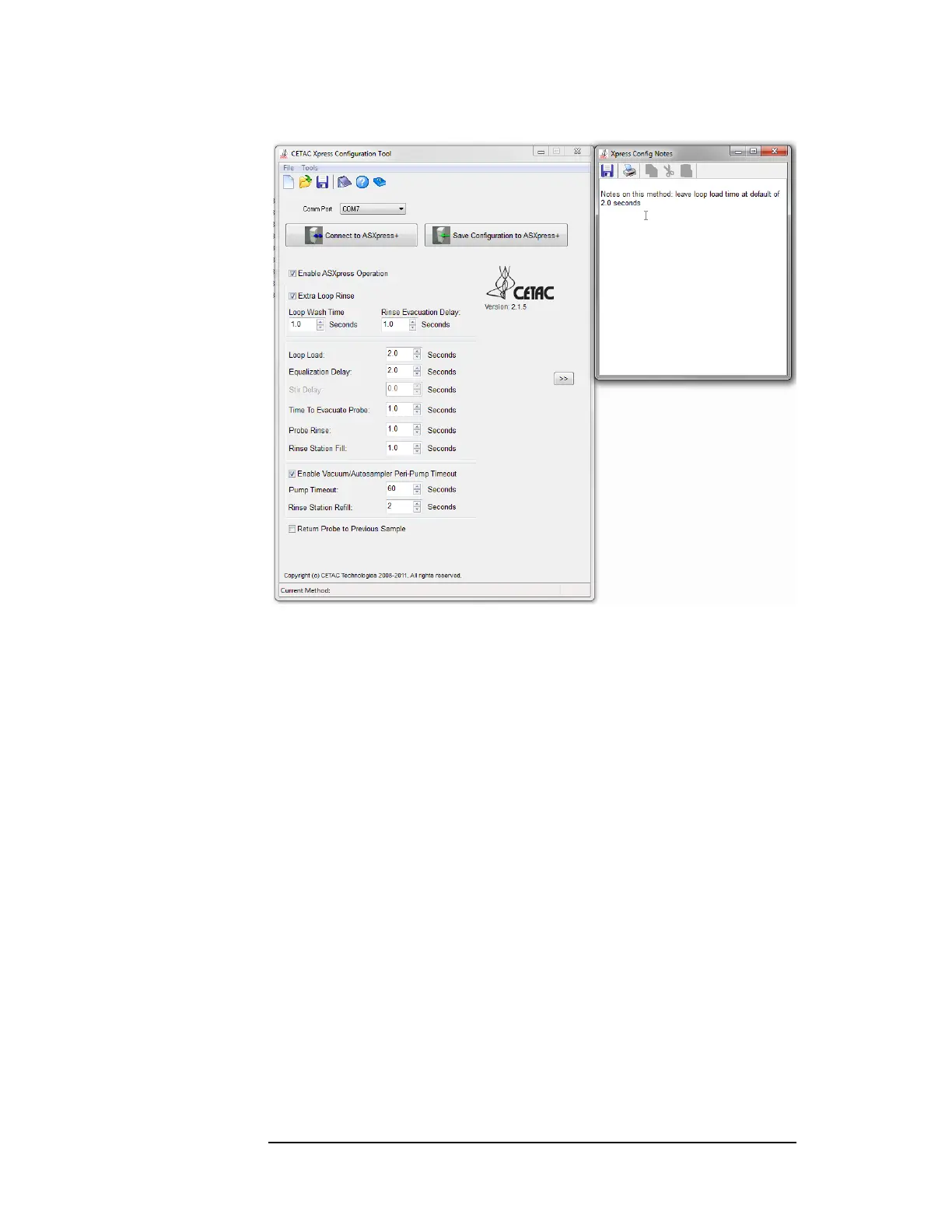
Figure 9-1 Notes Window
Use the Notes window if:
You would like to see the notes every time the Xpress Configuration Tool
window is opened.
You would like to dock the Notes window so it is always visible next to the
Xpress Configuration Tool window.
Use a word processor or text editor instead of the Notes window if:
You need advanced editing features.
You need to use the notes somewhere else (email, in a report, etc.).
You need several different notes files.
To display the Notes window:
1 On the Tools menu, click Notes.
2 Resize the Notes window.
3 Drag the Notes window to the right edge of the Xpress Configuration Tool
window to dock it.
To save the notes:
4 Click the floppy disk icon at the top of the Notes window.
The notes will be saved to a predefined file.



 To Next Page