ASXPRESS PLUS Rapid Sample Introduction System Operator’s Manual
Chapter 11: Maintaining the ASXpress Plus Rapid Sample Introduction System
124
Replacing the Battery
The battery in the electronics module is used to store data in SRAM memory.
When the battery is low, an error message will be displayed by the Xpress
Configuration Tool.
Replace only with a CR2032 (3.0V, non-rechargeable lithium coin cell) or
equivalent battery. Using an incorrect battery may cause equipment damage.
1 Turn off the power switch on the back of the ASXPRESS PLUS electronics module.
2 Unplug the electronics module from the power supply.
3 Disconnect all of the various serial and other cables that normally attach to its
back.
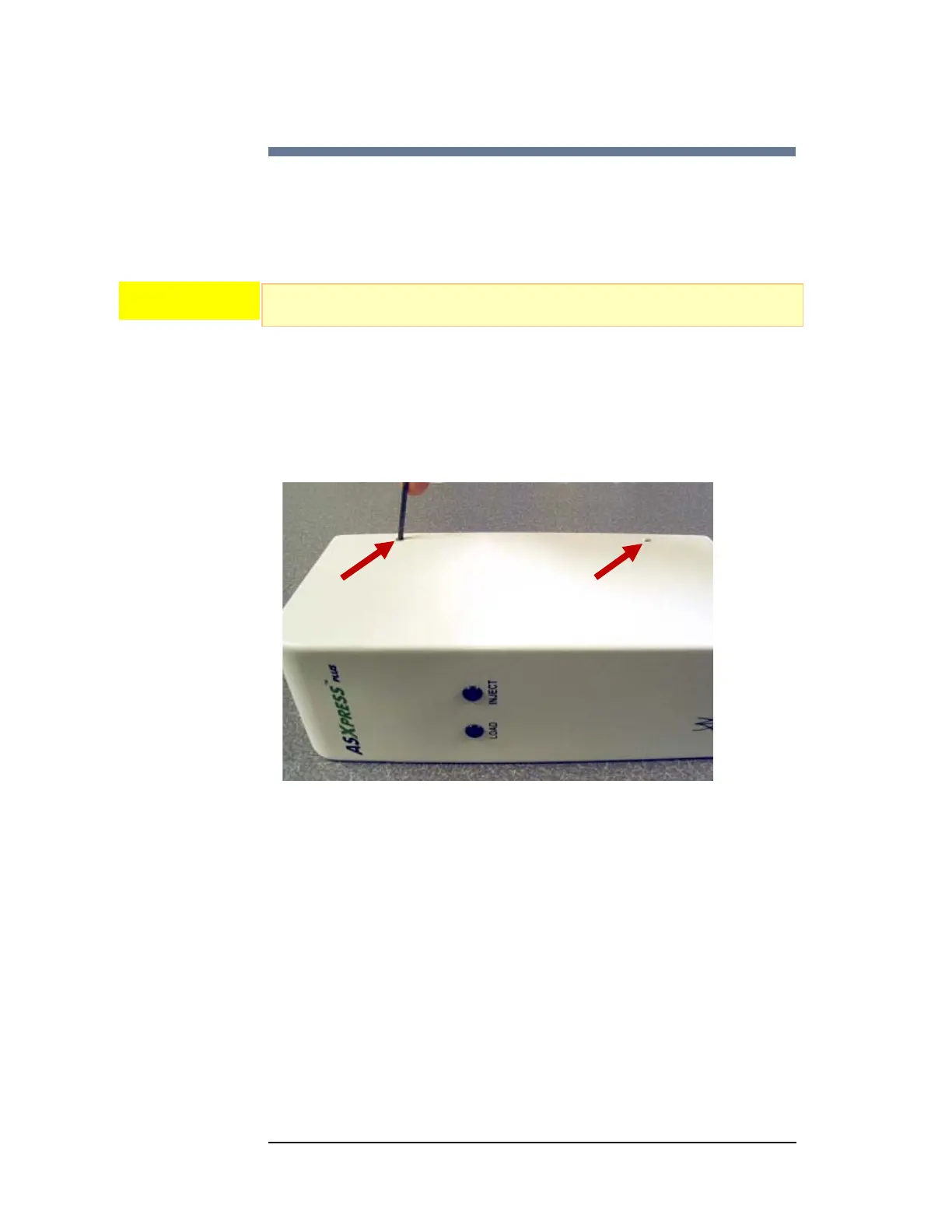
4 Remove the 4 screws that hold the cover to the case.
Figure 11-8 Removing the Cover Screws
5 Carefully pull the cover from the case. A paperclip or small tool will be useful in
separating the cover from the case. Pull the cover off just far enough to access
the battery. Do not break the wires which connect the LEDs in the cover to the
circuit board in the case.
CAUTION



 To Next Page