ASXPRESS PLUS Rapid Sample Introduction System Operator’s Manual
Chapter 4: Preparing an ASX-260 or ASX-520 Autosampler
28
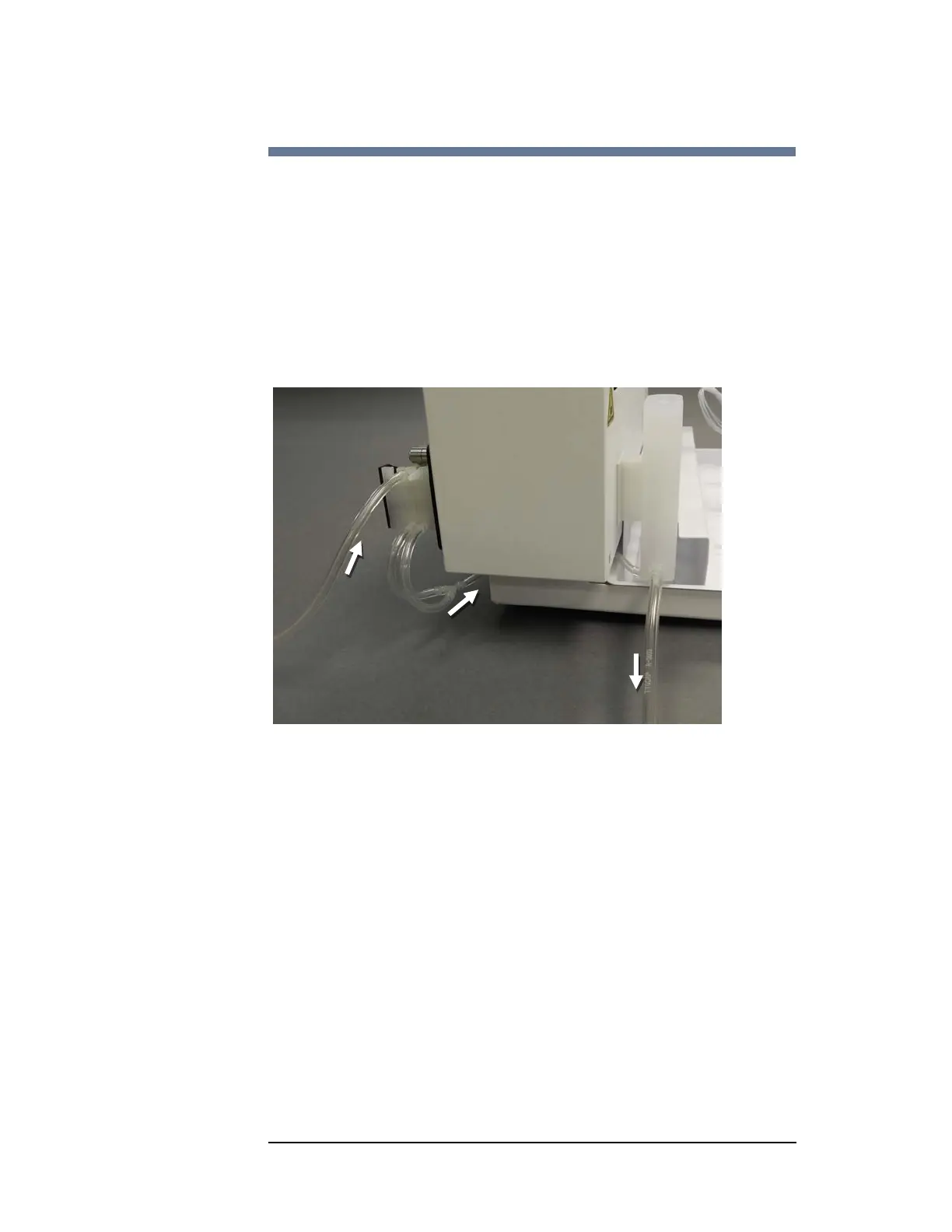
Installing the Gravity Drain with Built-in Pump
This is the preferred rinse pump configuration if if your autosampler has a
"new" built-in peristaltic pump.
1 Connect a container of rinse solution to one input of the built-in pump, and let
the other input take in air.
2 Connect the outputs of the pump via a Y connector and then to the inlet port of
the rinse station.
3 Connect the outlet of the rinse station to a waste container through a gravity
drain.
Figure 4-3 Gravity Drain with Built-in Pump
Rinse
Solution
Air
To Waste
Container



 To Next Page