ASXPRESS PLUS Rapid Sample Introduction System Operator’s Manual
Chapter 13: Operating a CETAC Autosampler Using a Terminal Program
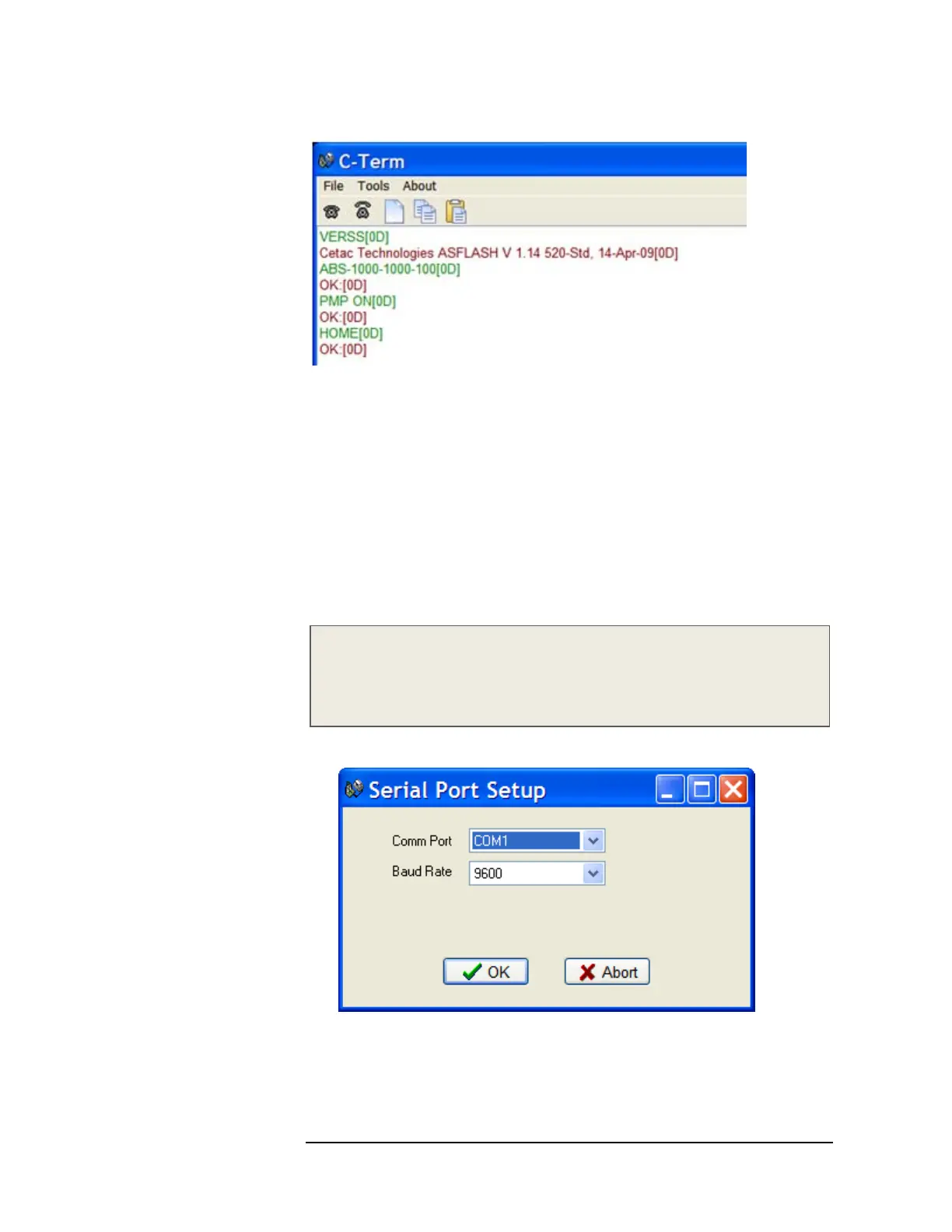
Figure 13-3 Outgoing Commands Shown in Green and Incoming Responses
Shown in Red
Configuring C-Term
By default, C-Term attempts to open COM1 the first time it is executed. If the
COM port that the CETAC device is connected to is not the default (COM1), then
it will be necessary to configure C-Term to use the desired port.
The default communications configuration is appropriate for use with the vast
majority of CETAC devices. Exceptions are the ASX-8000 which requires a baud
rate change and the AS300 emulator which uses non-printing characters are
part of its command protocol. Modifying the default settings is described
below.
NOTE
If COM1 (or the currently selected COM port) is in use by another program or
is otherwise unavailable, a warning dialog box will pop up when C-Term starts
stating that the COM port could not be opened.
1 On the Tools menu, click Setup Serial Port.
Figure 13-4 Serial Port Setup Window
2 Select the desired COM port and, if necessary, the Baud rate used by the
connected device then click OK.



 To Next Page