ASXPRESS PLUS Rapid Sample Introduction System Operator’s Manual
Chapter 6: Installing the Valve/Pump Module
70
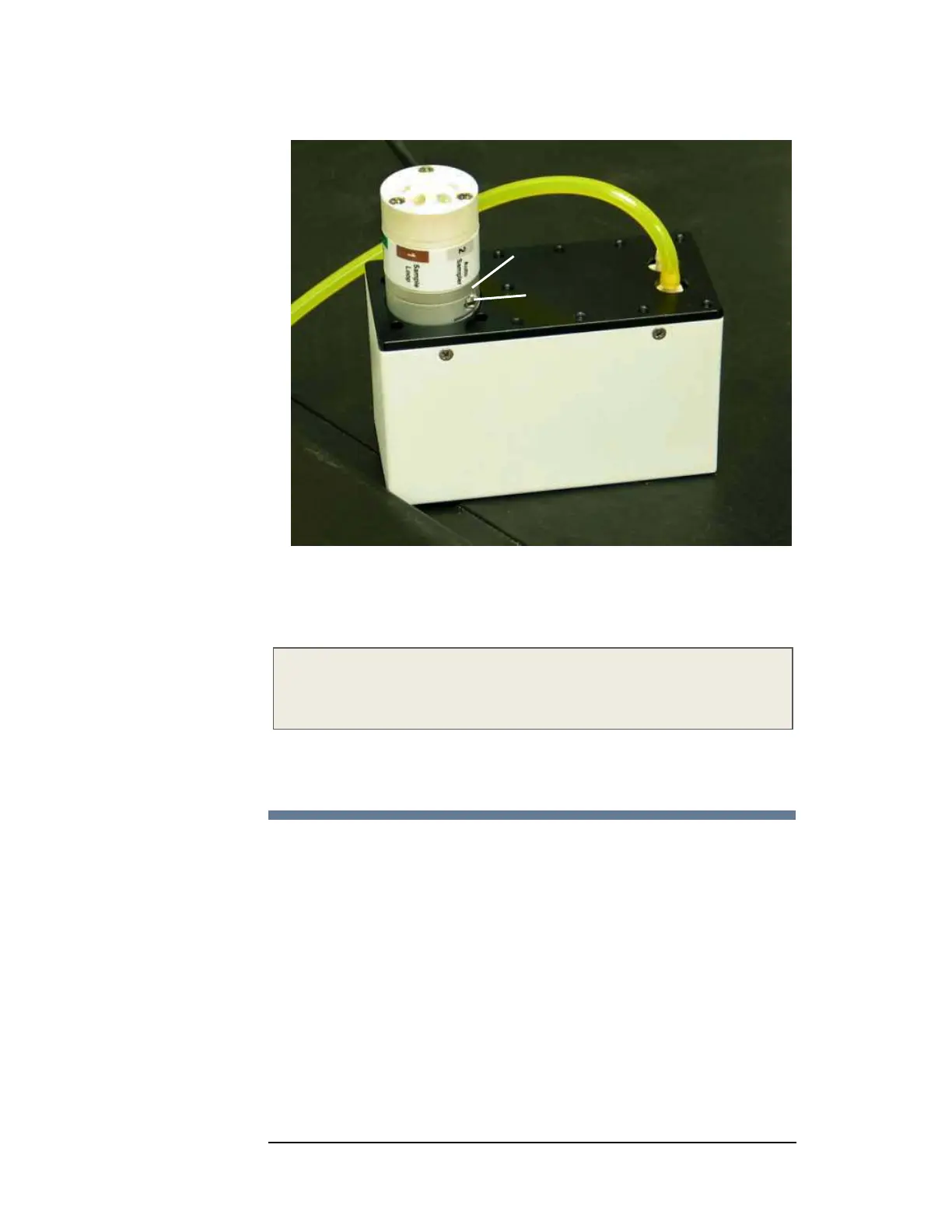
Figure 6-2 Reseating the 6-Port Valve
5 Tighten the hex screw.
6 Place the valve/pump module into position near the instrument's nebulizer.
NOTE
After you connect the electronics module and install the Xpress Config
software, don't forget to home the valve as described on page 98.
If you later need to rotate the valve, see “Replacing or Reorienting the 6-Port
Valve” on page 121.
Install the Sample Loop
1 Remove the plugs from ports #1 and #4 of the 6-port valve.
2 Install a sample loop between ports #1 and #4 of the 6-port valve (as labeled
on the valve). Use caution to prevent kinking the loop!
No gap
Hex screw



 To Next Page