ASXPRESS PLUS Rapid Sample Introduction System Operator’s Manual
Chapter 4: Preparing an ASX-260 or ASX-520 Autosampler
49
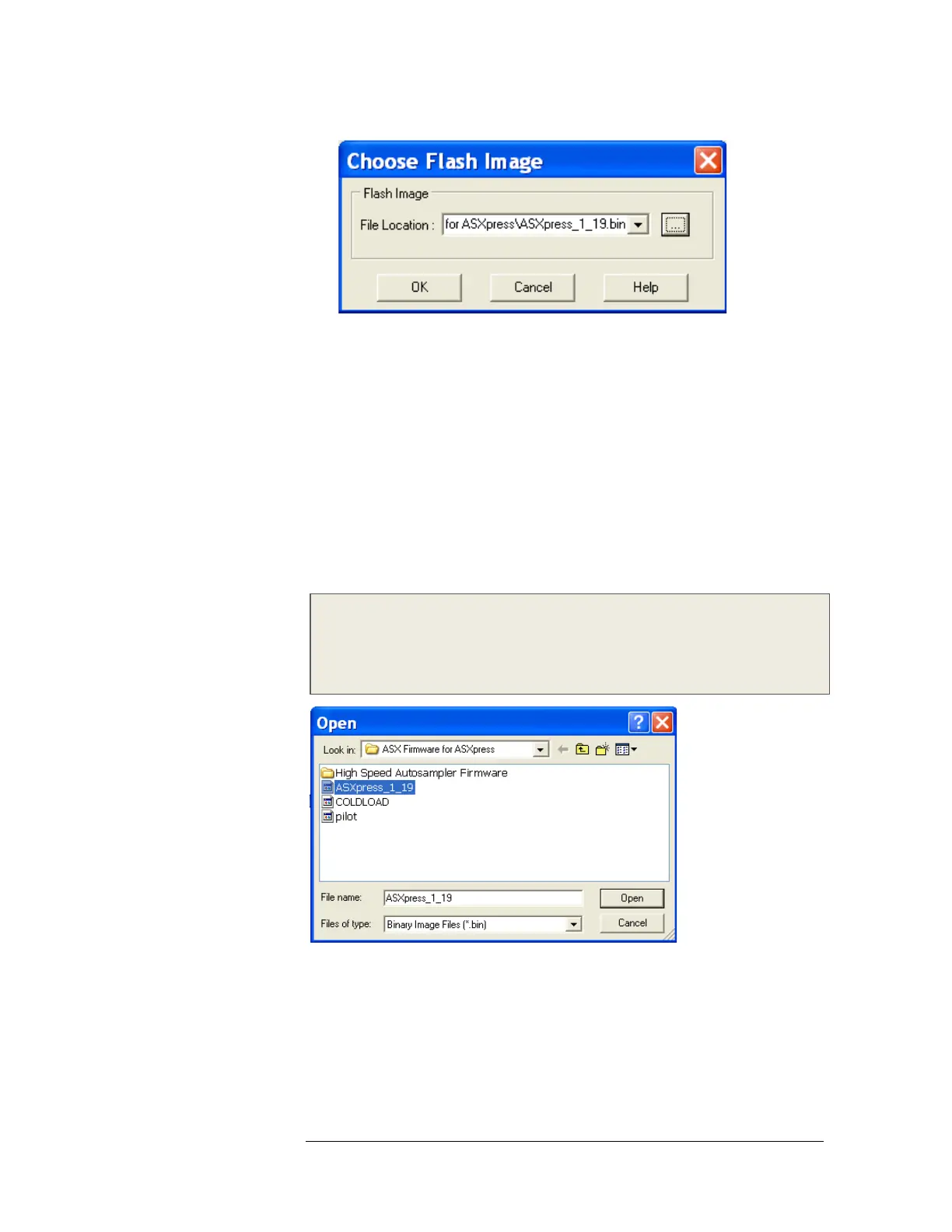
Figure 4-66 “Choose Flash Image” Window.
4 Select the firmware file by filling in the field by selecting the “browse” button
to the right of the field (denoted by […]) (Figure 3-66), and then selecting the
correct file from the CD as depicted in Figure 3-67 or Figure 3-68. The
correlating file name for the field is:
5 For ASX-520, ASX-260 Autosampler
File Location/Name: (drive letter where CD is loaded):\ASX Firmware for
ASXpress\ASXpress_1_19.bin
6 For ASX-520HS (High Speed) Autosampler
File Location/Name: (drive letter where CD is loaded):\ASX Firmware for
ASXpress\High Speed Autosampler Firmware\ASXpress_HS_1_19.bin
Note:
Ensure that the correct firmware file (applying to your specific autosampler) is
selected, to ensure correct interface/operation of the ASXPRESS system and
autosampler.
Figure 4-30 “Open” Window (ASX-260, ASX-520)



 To Next Page