ASXPRESS PLUS Rapid Sample Introduction System Operator’s Manual
Chapter 7: Installing the Electronics Module
83
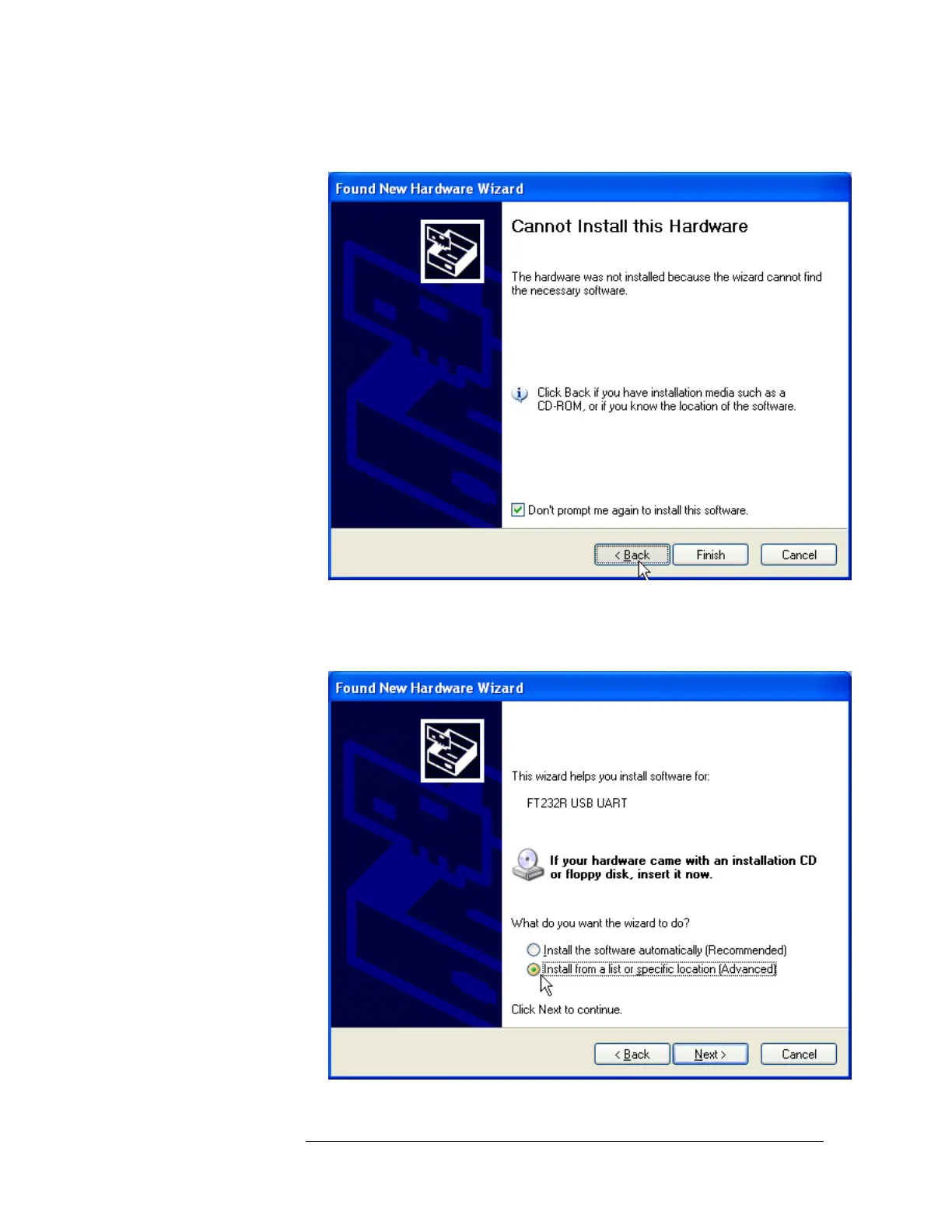
4 If a driver is not found, click Back to begin installation from the CD-ROM.
Figure 7-4 Message showing that a driver was not found
a. Insert the CD-ROM.
b. Select Install from a specific location and click Next.
Figure 7-5 Choosing to Install USB Driver from a CD



 To Next Page