ASXPRESS PLUS Rapid Sample Introduction System Operator’s Manual
Chapter 8: Installing the Software
90
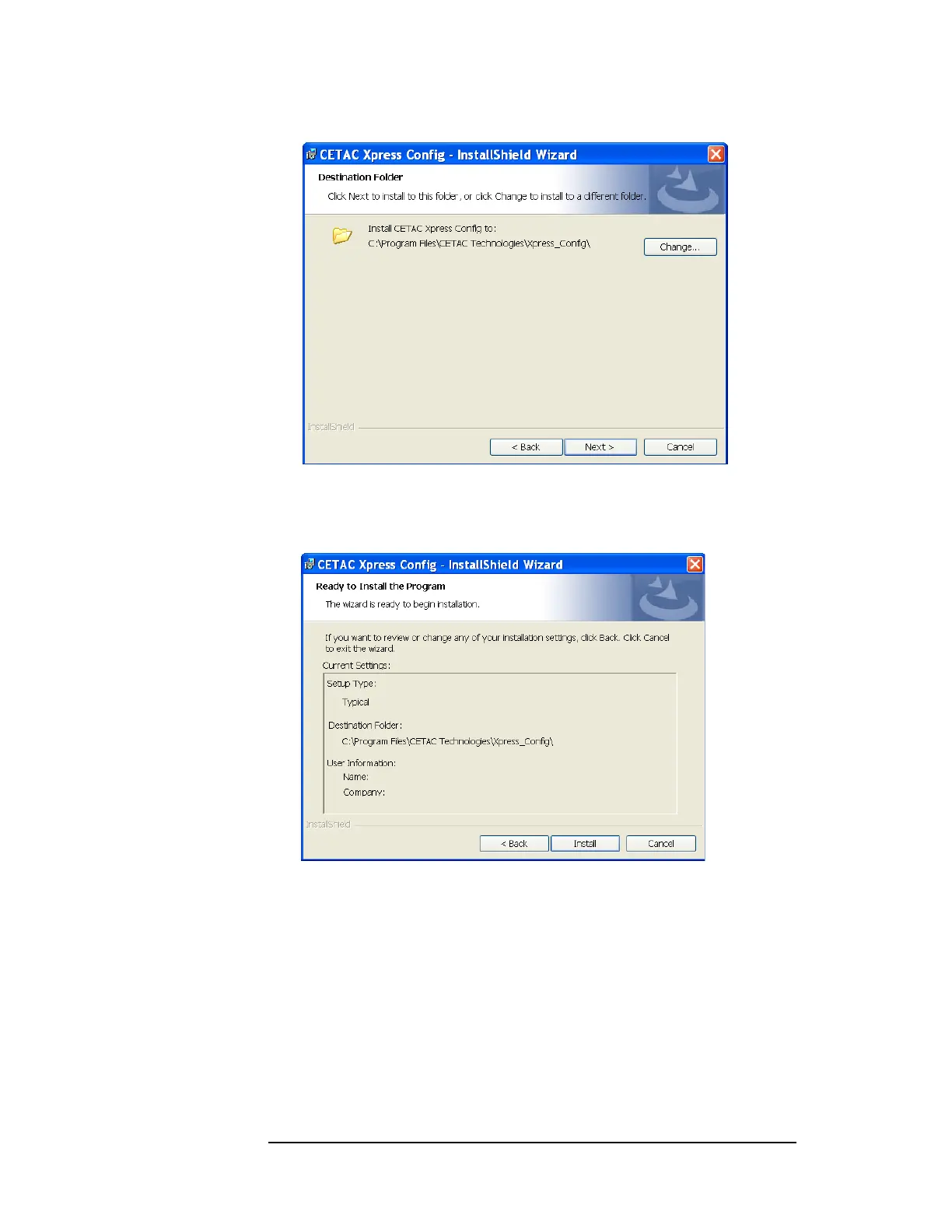
Figure 8-5 Destination Folder Window
6 Review the selected settings. Click Back to change any selected settings. Click
Install to begin the installation process with the selected settings.
Figure 8-6 “Ready to Install the Program” Window
7 The “InstallShield Wizard Completed” window appears (Figure 8-7). Select the
“Launch the program” box and then click Finish to complete the installation
and launch the program.



 To Next Page