CG Drives & Automation,01-5326-01r5 195
Y Operator 2 [624]
Selects the second operator for the logic Y function.
Communication information
Y Comp 3 [625]
Selects the third comparator for the logic Y function.
Communication information
11.8.3 Logic Output Z [630]
The expression must be programmed by means of the
menus [631] to [635].
Z Comp 1 [631]
Selects the first comparator for the logic Z function.
Communication information
Z Operator 1 [632]
Selects the first operator for the logic Z function.
Communication information
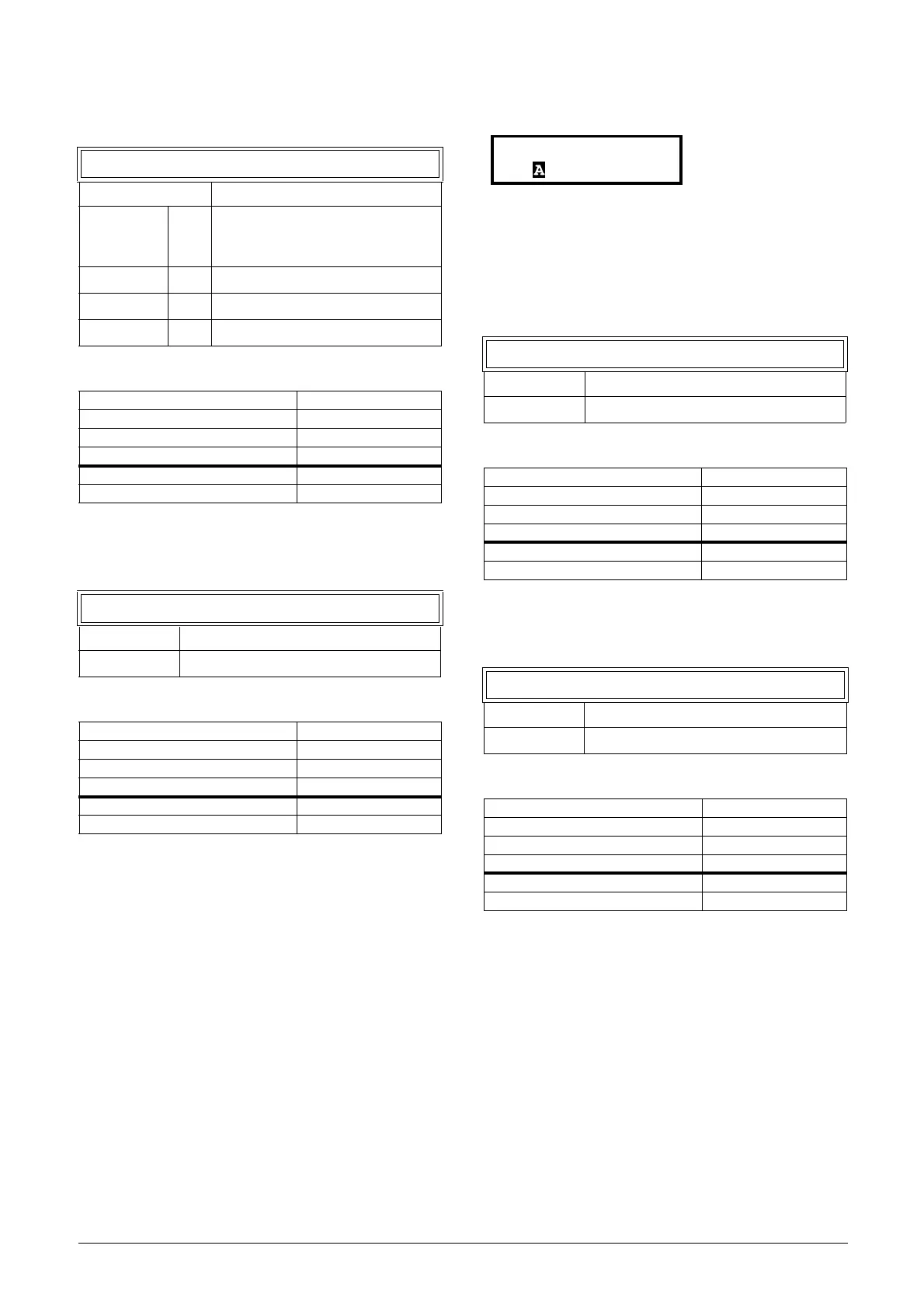
624 Y Operator 2
Default: &
.0
When
· (dot) is selected, the Logic Y
expression is finished (when only two
expressions are tied together).
&1&=AND
+ 2 +=OR
^ 3 ^=EXOR
Modbus Instance no/DeviceNet no: 43414
Profibus slot/index 170/63
EtherCAT and CANopen index (hex) 4d56
Profinet IO index 19798
Fieldbus format UInt
Modbus format UInt
625 Y Comp 3
Default: CD1
Selection: Same as menu [621]
Modbus Instance no/DeviceNet no: 43415
Profibus slot/index 170/64
EtherCAT and CANopen index (hex) 4d57
Profinet IO index 19799
Fieldbus format UInt
Modbus format UInt
631 Z Comp 1
Default: CA1
Selection: Same as menu [621]
Modbus Instance no/DeviceNet no: 43421
Profibus slot/index 170/70
EtherCAT and CANopen index (hex) 4d5d
Profinet IO index 19805
Fieldbus format UInt
Modbus format UInt
632 Z Operator 1
Default: &
Selection: Same as menu [622]
Modbus Instance no/DeviceNet no: 43422
Profibus slot/index 170/71
EtherCAT and CANopen index (hex) 4d5e
Profinet IO index 19806
Fieldbus format UInt
Modbus format UInt
630 LOGIC Z
Stp CA1&!A2&CD1


 To Next Page
 Loading...