9-4
Chadwick-Helmuth Company, Inc.
Chapter 9
- Status Screen Operation
The review feature is accessed through the Status screen
REVIEW
soft key. The 8500C/C+ displays
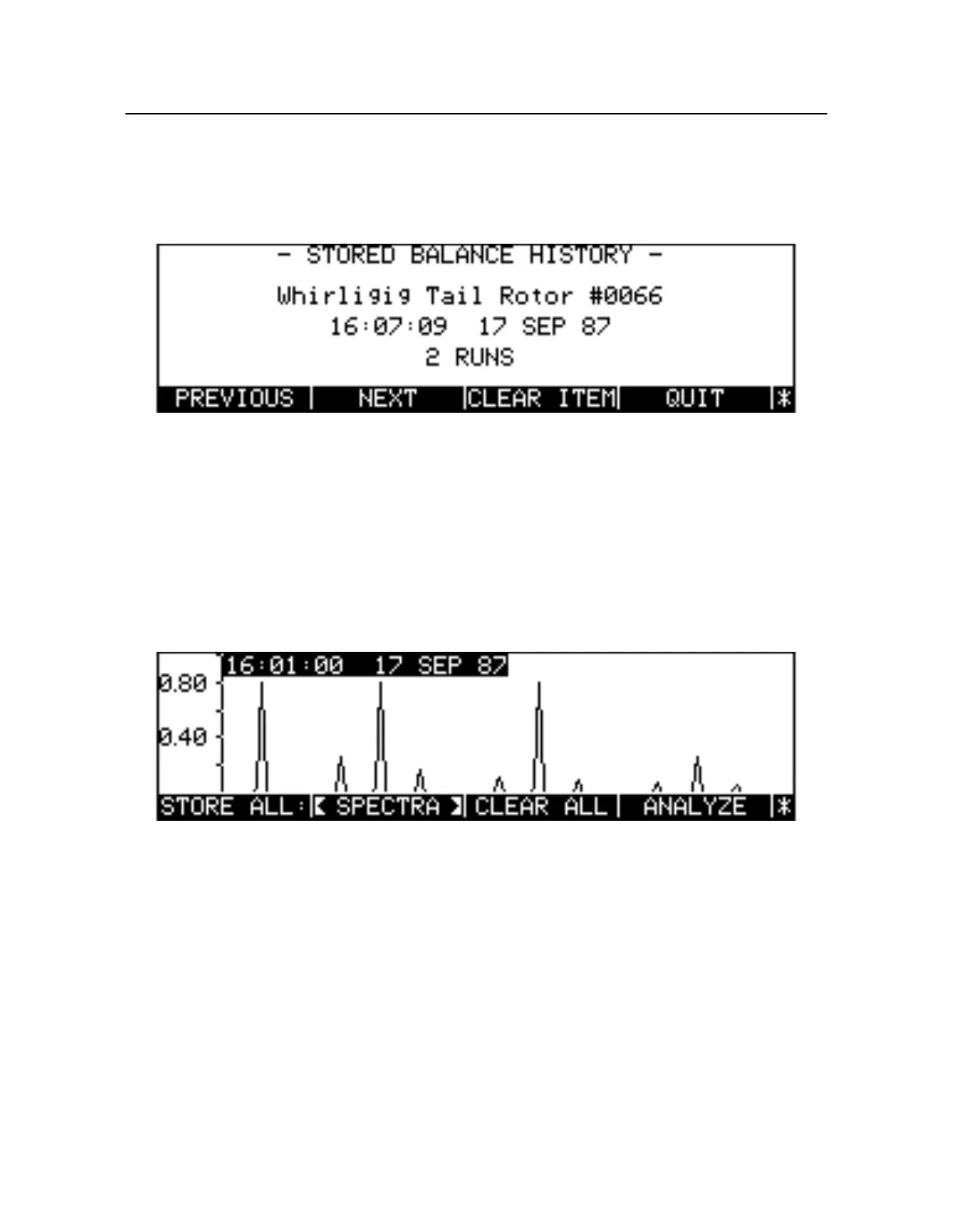
either the first spectral frequency plot or the first balance history run stored in memory (see Figure9-2
below). Two rows of soft keys provide the means to select, analyze, and delete any particular set or sets
of data.
Figure 9-2. Status Review With Balance History
To exit the Review screen, press
QUIT
.
9.3.1 Selecting the Data Type
Toggle the
<SPECTRA>
/
<BAL HIST>
/
<ANY>
soft key to select the data type, either spectral data o
balance histories. The
<ANY>
soft key allows any object type to be reviewed. Once the type has been
chosen, the 8500C/C+ displays the data for the first item (if one exists). For a screen example, see
Figur e9-3 below.
Figure 9-3. Status Review With Spectral Frequency Plot
9.3.2 Selecting a New Review Item
The
NEXT
and
PREVIOUS
soft keys select new items for a particular data type, then update the display
appropriately. Use
NEXT
and
PREVIOUS
to find a particular spectral plot or balance history. If the data
type is
<ANY>
,
NEXT
and
PREVIOU
select items in the order they were stored to memory, no matter
their type.
9.3.3 Storing Review Items to Disk
Press the
STORE ALL:
soft key to store all the items of the selected data type to disk. Pressing th
STORE
key also writes the items of the selected data type to disk.



 To Next Page