5-16
Chadwick-Helmuth Company, Inc.
Chapter 5
- Balance Measurement and Solutions
The
HISTORY
soft key displays the first screen of the first run of the current balance history. The phase
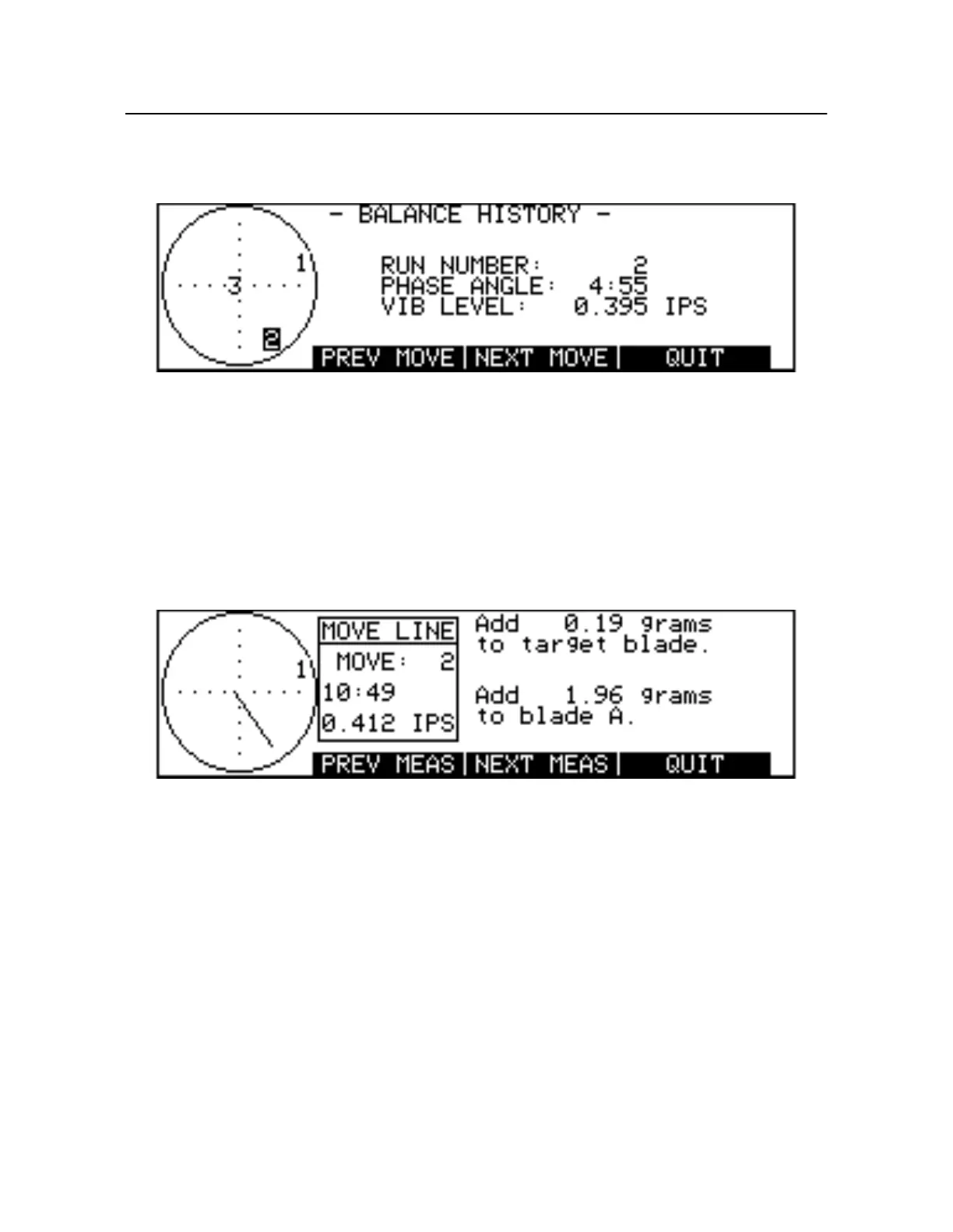
angle and vibration level values for the run are shown on the right side of the screen (see Figure5-14).
Figure 5-14. Balance History Measurements Screen
The left side of the screen plots all the runs in the history on a graphic representation of a balance chart
clock face. The radius of the circle delimits a maximum vibration amplitude. Each run is identified by
number and plotted as a function of its phase angle (clock position) and vibration amplitude (distance
from the center of the circle). The run number whose measurements are being displayed is highlighted.
The
NEX TMOVE
soft key displays a new screen showing the balance solution for this run and the
changes that occurred after the corrective moves were implemented (see Fi gure5-15). The move line
data shows the vector difference between consecutive runs, that is, the direction of the change and its
magnitude ( inIPS). The move line vector is drawn on the clock face at the left of the screen.
Figure 5-15. Balance History Move Line Screen
The
PRE VMOVE
soft key displays the Move Line screen for the previous balance run.
PRE VMOVE
is
not available when viewing the Balance History screen for the first run.
The
NEX TMEAS
soft key displays the measurements screen for the next balance run.
NEXT MEAS
is
not available when viewing the Move Line screen for the last balance run.
PREV MEAS
displays the
measurements screen for the previous balance run.
When you have finished examining the balance history, press
QUIT
to return to the Balance Run
Start-up screen.
5.6.1.3 Storing Histories to Disk
A balance history may be saved as a file and stored to disk. First, make sure the
Store To
field in the
Status screen is set to
DISK
(see Sectio n9.2.6 “Output Storage Device” on pag e9-2). Otherwise, the
balance history is saved to memory only. With the Balance Run Start-up screen displayed, insert
formatted, writable 3.5-in. double-sided, double-density disk in the 8500C/C+ disk drive and press
STORE
. The data is written to disk and given a unique file name based on the current date and time,
plus the extension *.BHI. Since this file also contains the current balance chart name, you may wish to



 To Next Page