5-2
Chadwick-Helmuth Company, Inc.
Chapter 5
- Balance Measurement and Solutions
Selecting the Balance Mode
To put the 8500C/C+ into its Balance mode of operation, press th
BALANCE
key. A Balance Mode
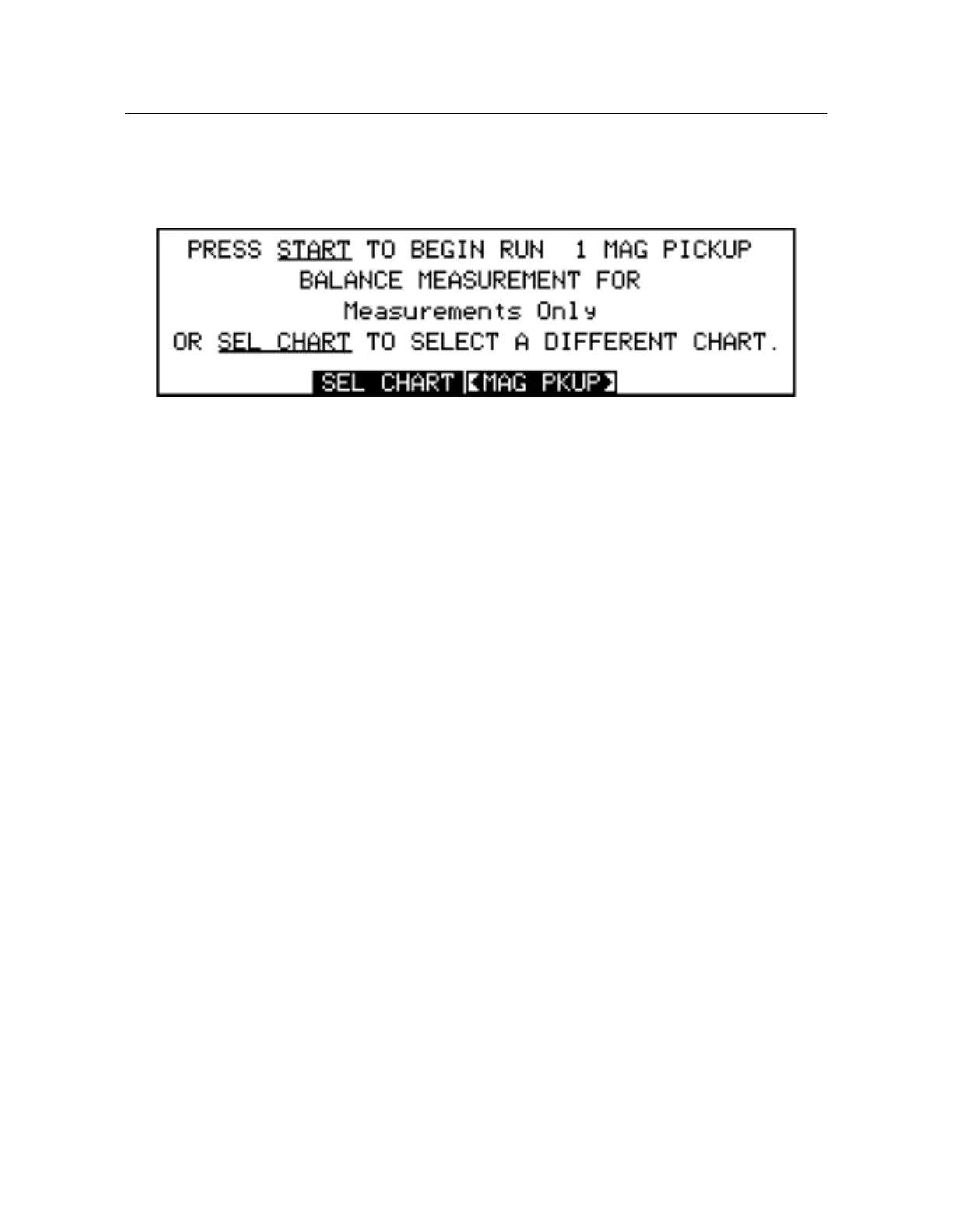
Start-up screen displays along with two soft keys,
SEL CHART
and
CHAR TINFO
(see Figure5-1)
Figure 5-1. Balance Start-up Screen
NOTE: If the 8500C/C+ is currently performing other time-critical functions, it may b
necessary to press
STOP
to terminate the function before the Balance mode can be entered.
5.2 Balance Charts
Aircraft balance characteristics are maintained in discrete data sets called
balance charts
. A balance
chart contains data that describes a single rotor element from a particular aircraft type. Charts for the
constituent rotor elements that comprise an aircraft are typically grouped together in one or more
balance chart files. Balance chart files are stored on PC compatible diskettes for safekeeping, and
loaded into 8500C/C+ memory as required. The distribution disk chart files provided by Chadwick
Helmuth are write-protected and must be copied to another disk before they may be modified o
overwritten. See Chapt er10 Printer and Disk Drive” for more information on disk usage.
5.2.1 Measurements Only Chart
Without the appropriate balance chart, the 8500C/C+ cannot present balance solutions for an out-of
balance rotor system. A special chart, th
Measurements Only chart
, allows you to see only the balanc
measurements of vibration amplitude and phase angle. No balance solutions are ever presented.
However, solutions can easily be determined by hand with the Measurements Only chart and the
appropriate paper chart from Chadwick-Helmuth. In addition, the Measurements Only chart can be
used to collect the data needed to create new paper balance charts for individual systems. Se
Secti on5.6.3 “Using Measurements Only” on pa ge5-19 for more details.
The Measurements Only chart is permanently stored in the 8500C/C+. It is always available for use
and always presented as the first chart in the balance chart menu of the Select Chart screen.
5.2.2 Smart Charts
Chadwick-Helmuth has developed a unique chart software technology for smoothing rotors. The 8500
runs the following types of chart programs:
•
Standard -
Single-type adjustment charts
•
Smart -
Multi-type adjustment charts



 To Next Page