Mode l8500C/8500C+ Operators Manual
D-9
Balance Measurement and Solution
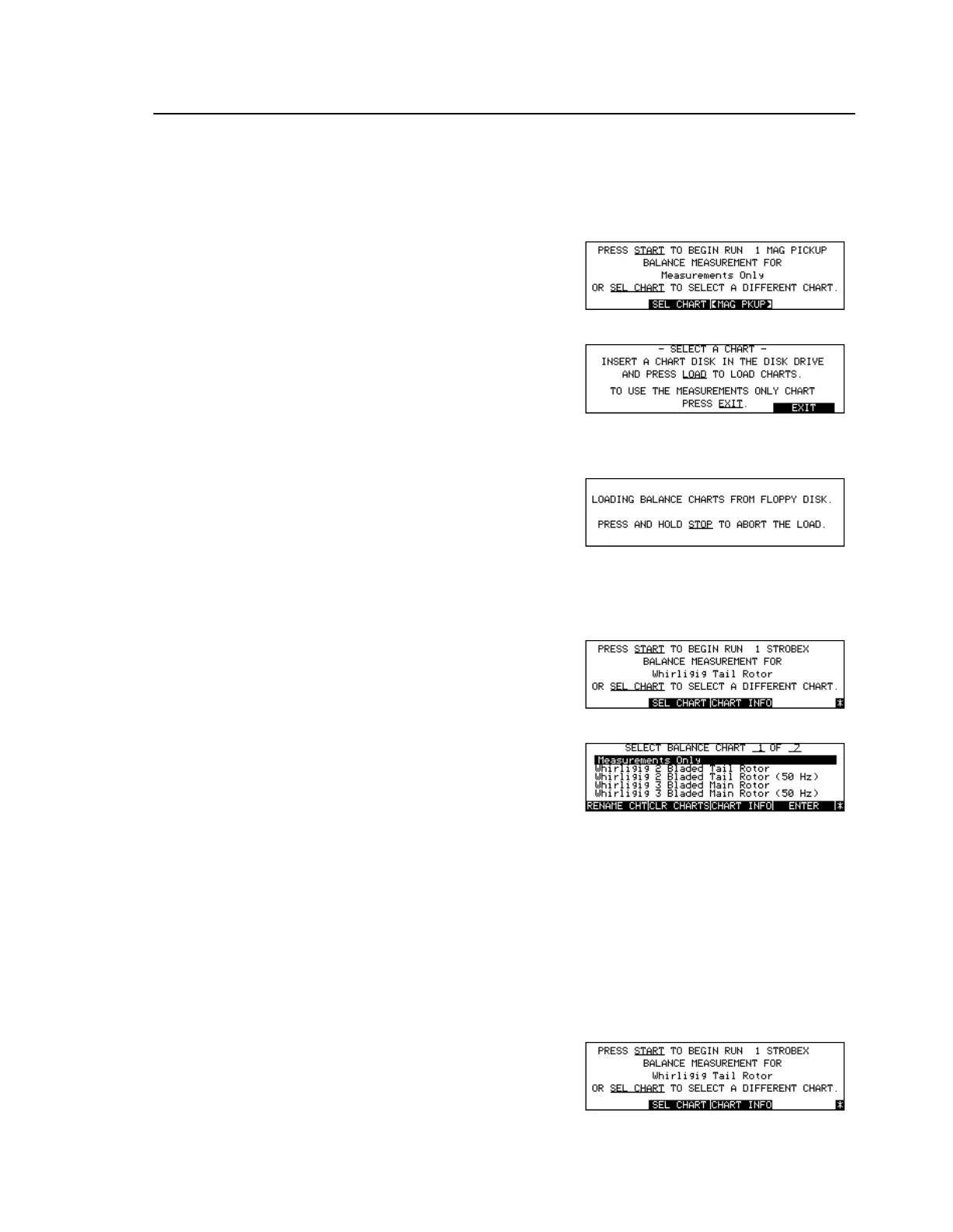
To Load Balance Charts from Disk
To Select Balance Chart
To Get Balance Chart Information
Press [Key:
Balance
]
Press [Key:
SEL CHART
]
Insert Balance Chart in disk drive
Press [Key:
Load
]
Press [Key:
Balance
]
Press [Key:
SEL CHART
]
Load Balance Charts from disk, if
required
Press arrow keys
Select desired Balance Chart
Press [Key:
Enter
]
Read the Balance Chart
parameters
Press [Key:
Balance
]



 To Next Page