Mode l8500C/8500C+ Operators Manual
D-13
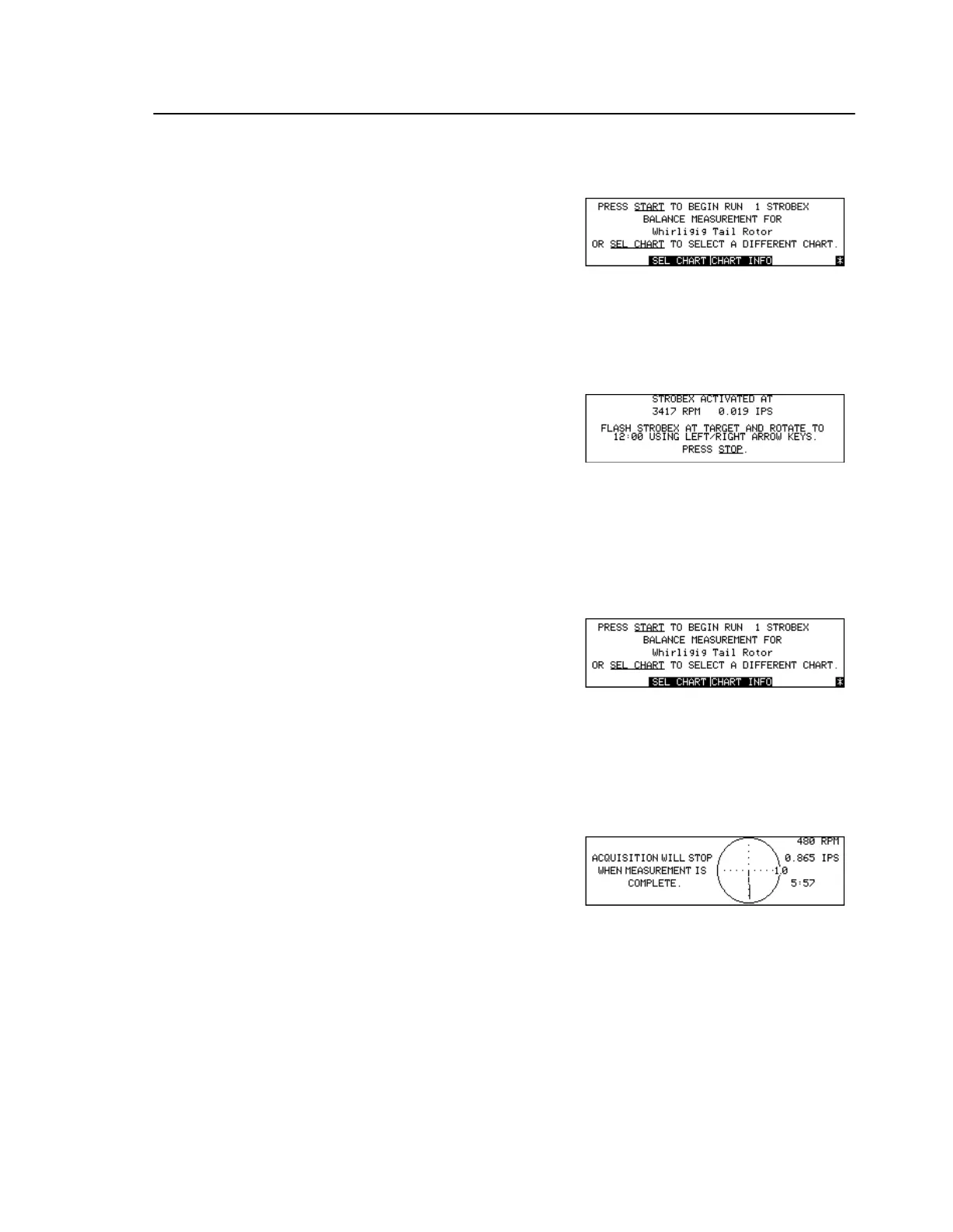
To Perform a Strobex Balance
To Perform a Magnetic Pickup or Photocell Balance
To Select Alternate Balance Solutions
Press [Key:
Balance
]
Load/Select Balance Chart
Set Balance Type to Strobex
Press [Key:
START
]
Begin data acquisition
Flash Strobex at target
Press <- and/or ->
Rotate target towards azimuth
Press [Key:
STOP
]
Terminate data acquisition
Press [Key:
Balance
]
Load/Select Balance Chart
Set Balance Type to Mag Pickup
or Photocell
Press [Key:
START
]
Begin data acquisition
Measurement will automatically
stop when display vector
stabilizes
Perform Strobex/Mag Pickup/
Photocell balance measurement
Press [Key:
STOP
]
Terminate data acquisition



 To Next Page