D-18
Chadwick-Helmuth Company, Inc.
Appendix D -
Quick Reference Guide
Blade Track observation
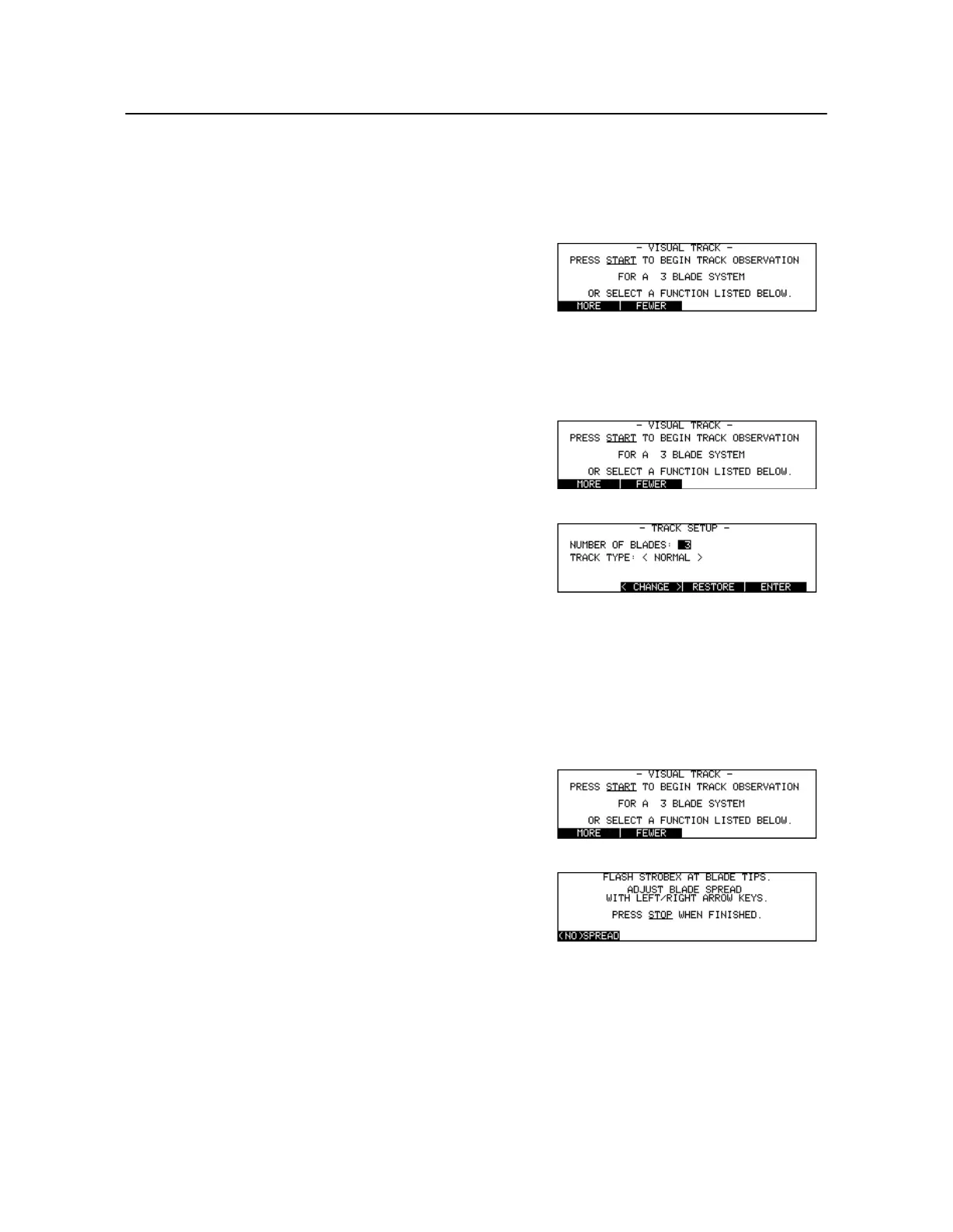
To Modify Track Mode Parameters
To Begin Visual Tracking
Press [Key:
Track
]
Press [Key:
MORE
]
OR
[Key:
FEWER
]
Change number of blades
Press [Key:
Track
]
Press [Key:
Setup
]
User arrow, numeric, soft keys to
edit fields
Modify Track Setup screen
parameters
Press [Key:
ENTER
]
Accept current parameters
Press [Key:
Track
]
Press [Key:
Start
]
Flash Strobex at tip targets
Use
<-
and
->
or toggle [Key
(No)
SPREAD
]
Spread/stack blade images
Press [Key:
Stop
]
Terminate visual tracking



 To Next Page