Mode l8500C/8500C+ Operators Manual
D-21
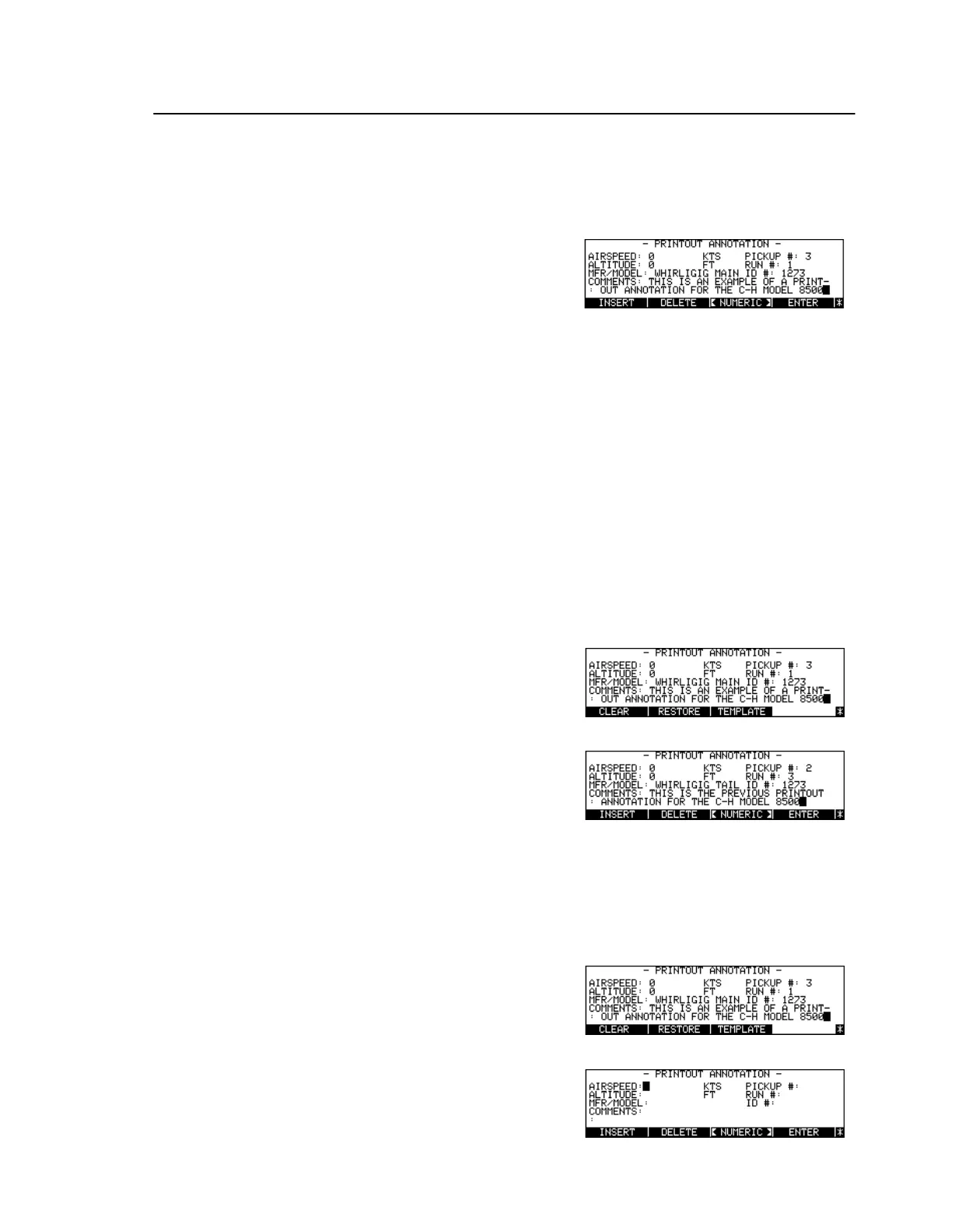
Annotating Printouts
To Edit the Printout Annotation
To Restore the Previous Annotation
To Clear the Annotation
Press [Key: Annotate]
Toggle [Key:
<ALPHA>
] /
[Key:
<NUMERIC>
]
Select Alpha or Numeric editing
mode
Press arrow keys, [Key:
Start
], or
[Key:
STOP
]
Move cursor to desired position
Enter character, or press [Key:
INSERT
], [Key:
DELETE
]
Add/delete characters, insert
spaces
Press [Key:
ENTER
]
Accept editing changes and quit
Toggle [Key:
<ALPHA>
] /
[Key:
<NUMERIC>
]
Select Numeric editing mode
Press [Key:
More Keys
]
Press [Key:
RESTORE
]
Toggle [Key:
<ALPHA>
] /
[Key:
<NUMERIC>
]
Select Numeric editing mode
Press [Key:
More Keys
]
Press [Key:
CLEAR
]



 To Next Page