Mode l8500C/8500C+ Operators Manual
D-23
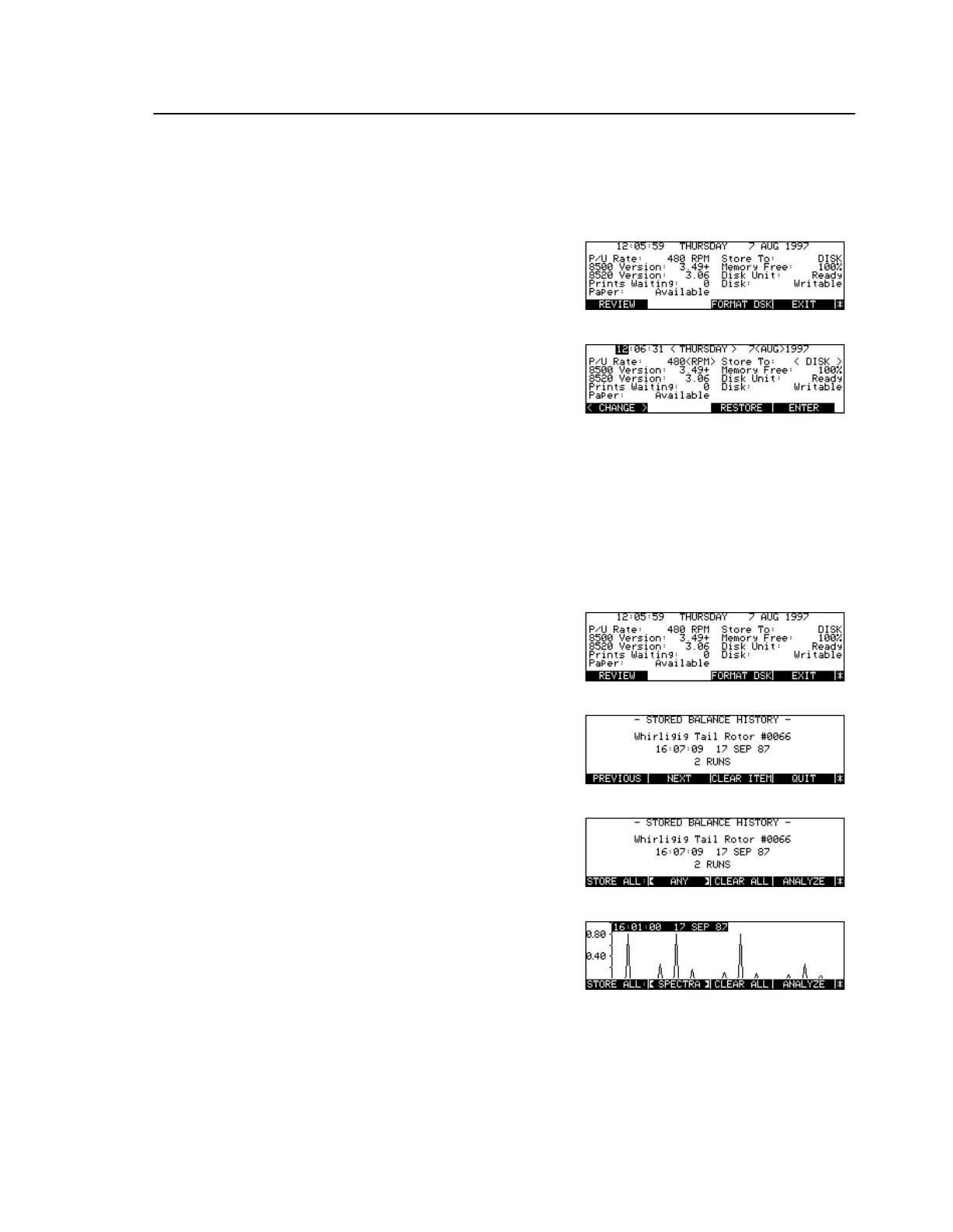
The 8500C/C+ Status Screen
To Modify Status Parameters
To Review Balance Histories or Spectral Data Plots
Press [Key:
Status
]
Press [Key:
Setup
]
Use arrow, numeric, soft keys to
edit fields
Modify Status Setup screen
parameters
Press [Key:
ENTER
]
Accept current parameter
settings
Press [Key:
Status
]
Press [Key:
REVIEW
]
Press [Key:
More Keys
]
Toggle [Key:
<SPECTRA>
] /
[Key:
<BAL HIST>
] / [Key:
<ANY>
]
Press [Key:
NEXT
] and [Key:
PREVIOUS
]
Select and display an item



 To Next Page