Using the Internet Wizard
Chapter 5: Configuring the Internet Connection 103
4. Click Finish.
Table 23: PPPoE Connection Fields
In this field… Do this…
Username Type your user name.
Password Type your password.
Confirm password Type your password again.
Service Type your service name.
This field can be left blank.
Using a PPTP Connection
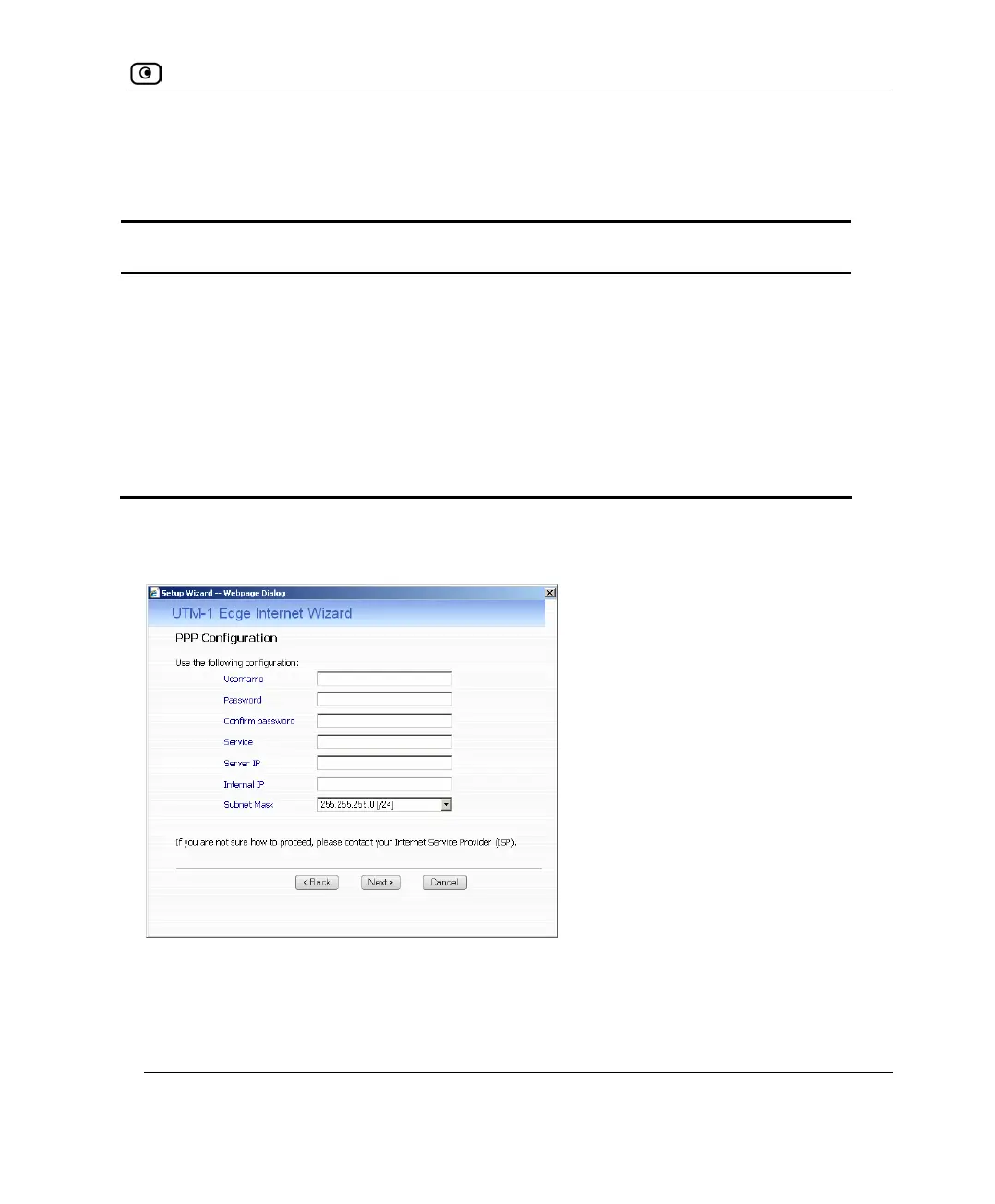
If you selected the PPTP connection method, the PPP Configuration dialog box appears.
1. Complete the fields using the information in the following table.
2. Click Next.
The Confirmation screen appears.















 To Next Page