Using the Internet Wizard
112 Check Point UTM-1 Edge User Guide
Using a PPPoE or PPPoA Connection
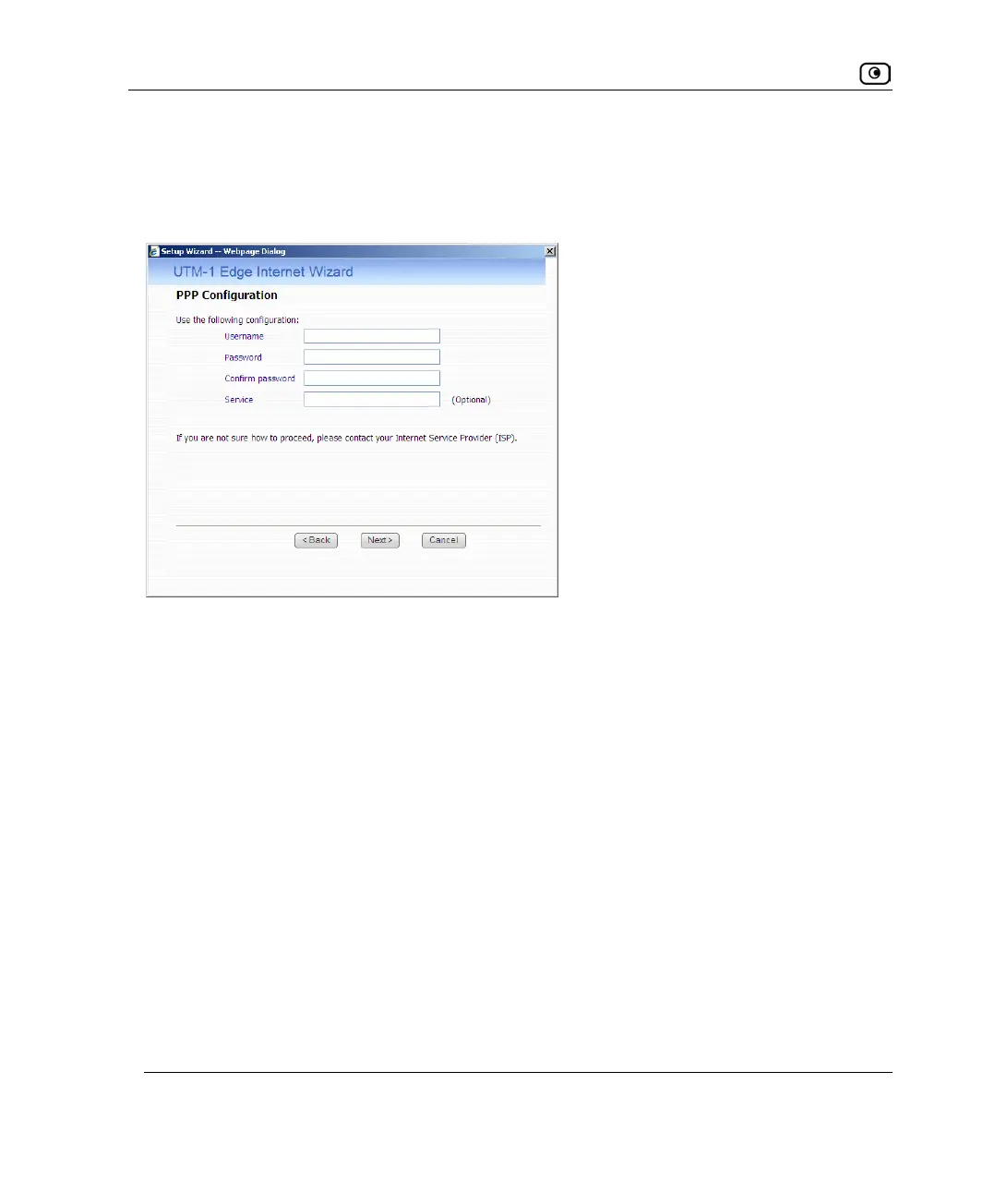
If you selected the PPPoE (PPP over Ethernet) or PPPoA (PPP over ATM) connection
method, the PPP Configuration dialog box appears.
1. Complete the fields using the information in the following table.
2. Click Next.
The Confirmation screen appears.
3. Click Next.
The system attempts to connect to the Internet via the specified connection.
The Connecting… screen appears.
At the end of the connection process the Connected screen appears.
4. Click Finish.















 To Next Page