Configuring Network Settings
Chapter 6: Managing Your Network 171
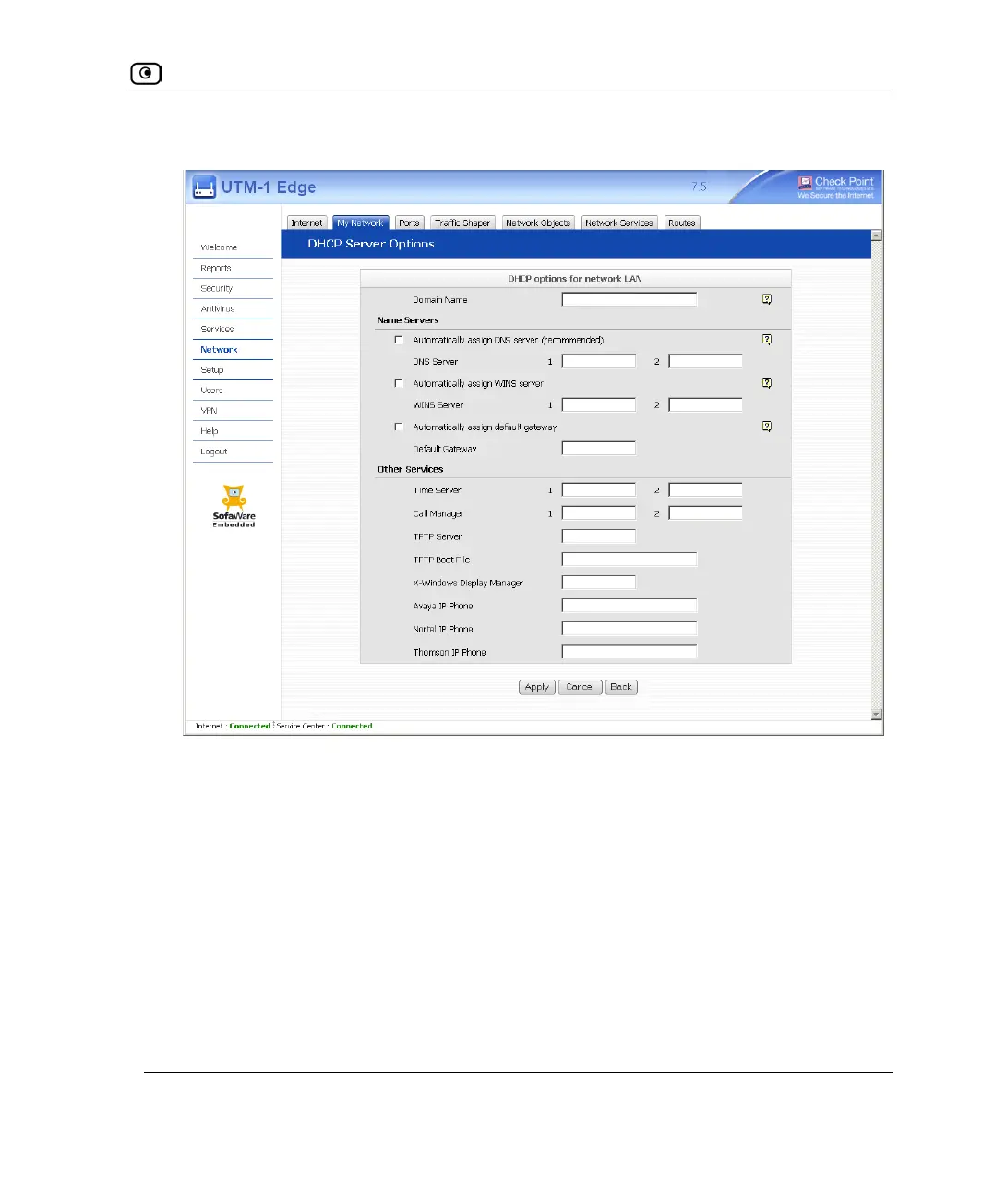
New fields appear, depending on the check boxes you selected.
5. Click Apply.
6. If your computer is configured to obtain its IP address automatically (using
DHCP), restart your computer.
Your computer obtains an IP address in the DHCP address range.















 To Next Page