Configuring Network Settings
Chapter 6: Managing Your Network 181
• Port-based
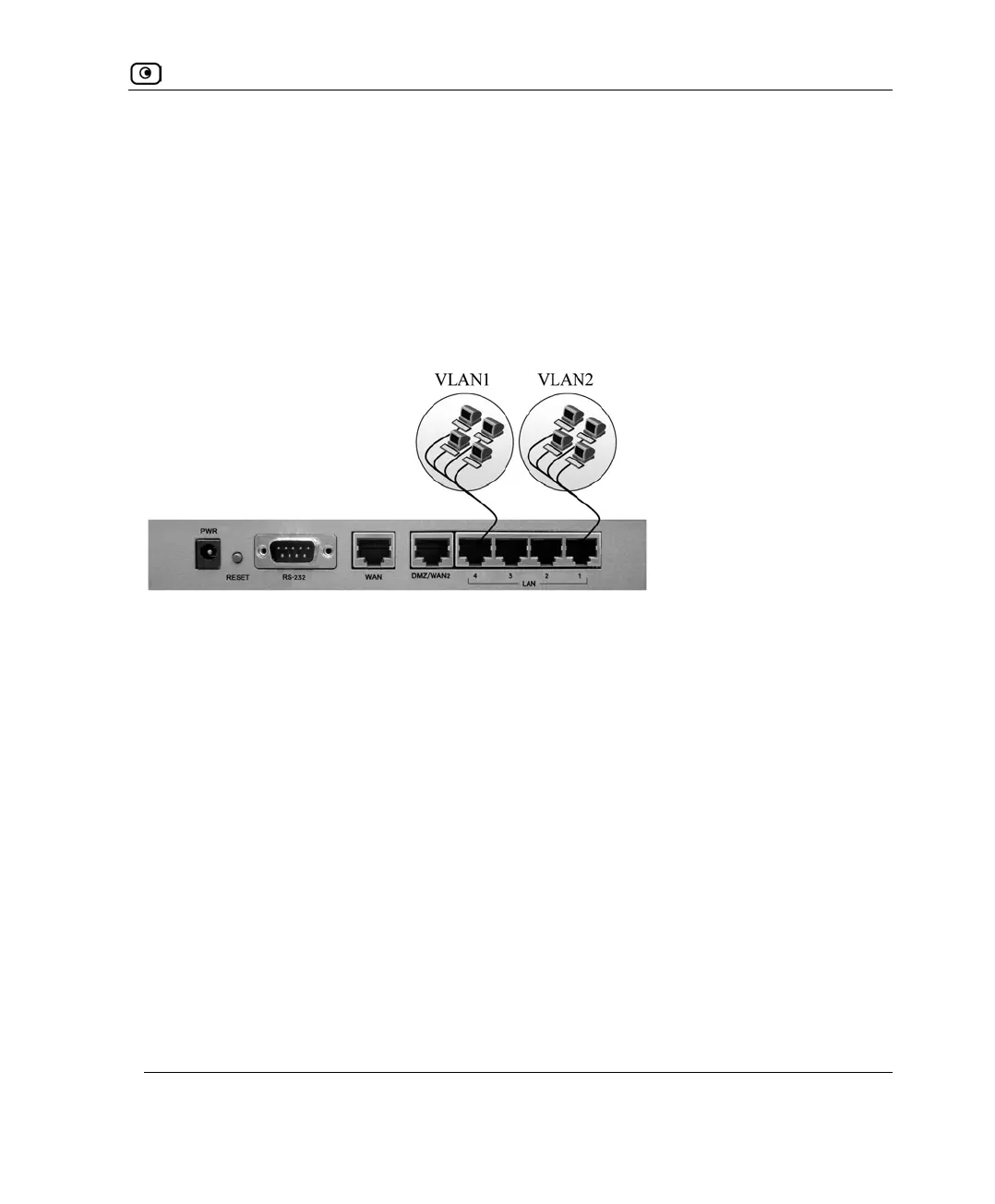
Port-based VLAN allows assigning the appliance's LAN ports to VLANs, effectively
transforming the appliance's four-port switch into up to four firewall-isolated security
zones. You can assign multiple ports to the same VLAN, or each port to a separate
VLAN.
Port-based VLAN does not require an external VLAN-capable switch, and is therefore
simpler to use than tag-based VLAN. However, port-based VLAN is limited by the
number of appliance LAN ports.
• Virtual access point (VAP)
In wireless UTM-1 models, you can partition the primary WLAN network into
wireless VLANs called virtual access points (VAPs). You can use VAPs to grant
different permissions to groups of wireless users, by configuring each VAP with the
desired security policy and network settings, and then assigning each group of
wireless users to the relevant VAP. For example, you could assign different
permissions to employees and guests on the company's wireless network, by
configuring two VAPs called “Guest” and “Employee” with the desired set of
permissions.
To use VAPs, you must enable the primary WLAN network.
For more information on VAPs, see Overview on page
265.
Figure 21: Port-Based VLAN















 To Next Page