Using Network Objects
194 Check Point UTM-1 Edge User Guide
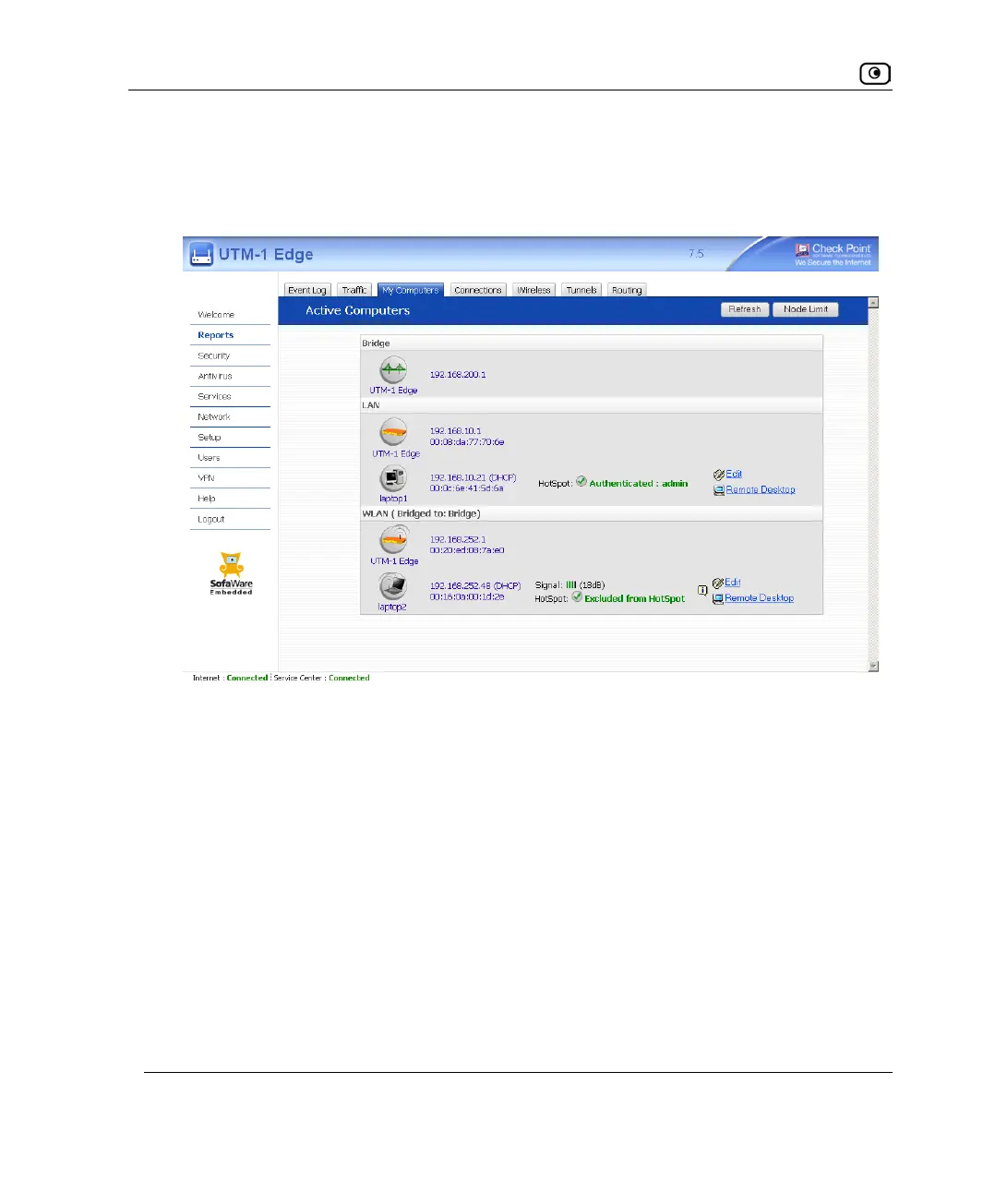
To add or edit a network object via the My Computers page
1. Click Reports in the main menu, and click the My Computers tab.
The My Computers page appears.
If a computer has not yet been added as a network object, the Add button appears next
to it. If a computer has already been added as a network object, the Edit button appears
next to it.
2. Do one of the following:
• To add a network object, click Add next to the desired computer.
• To edit a network object, click Edit next to the desired computer.
The UTM-1 Network Object Wizard opens, with the Step 1: Network Object Type dialog
box displayed.















 To Next Page