Adding and Editing Bridges
Chapter 7: Using Bridges 229
2. Do one of the following:
• To add a bridge, click Add Bridge.
• To edit a bridge, click Edit in the desired bridge's row.
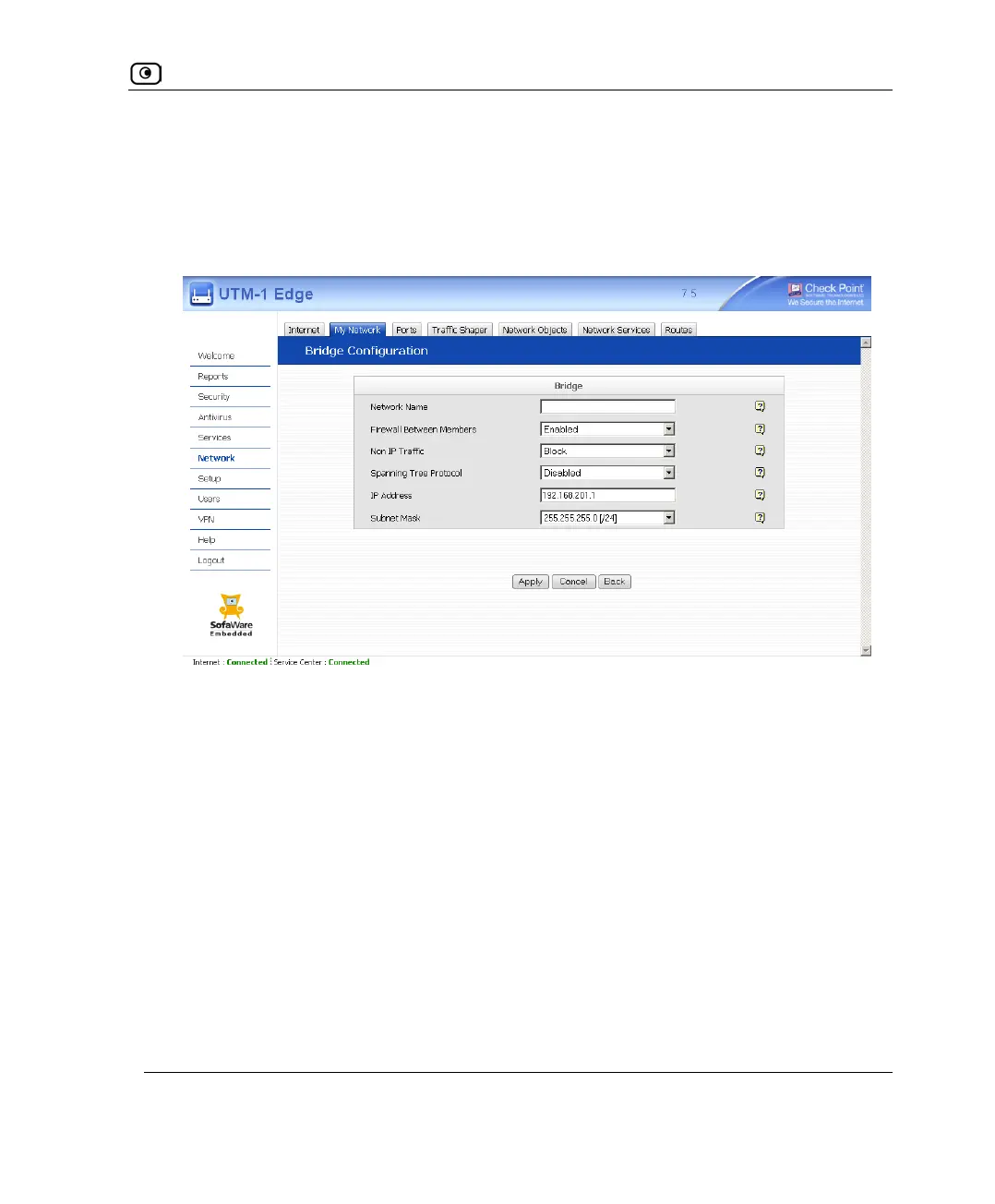
The Bridge Configuration page appears.
3. Complete the fields using the following table.
4. Click Apply.
A success message appears.















 To Next Page