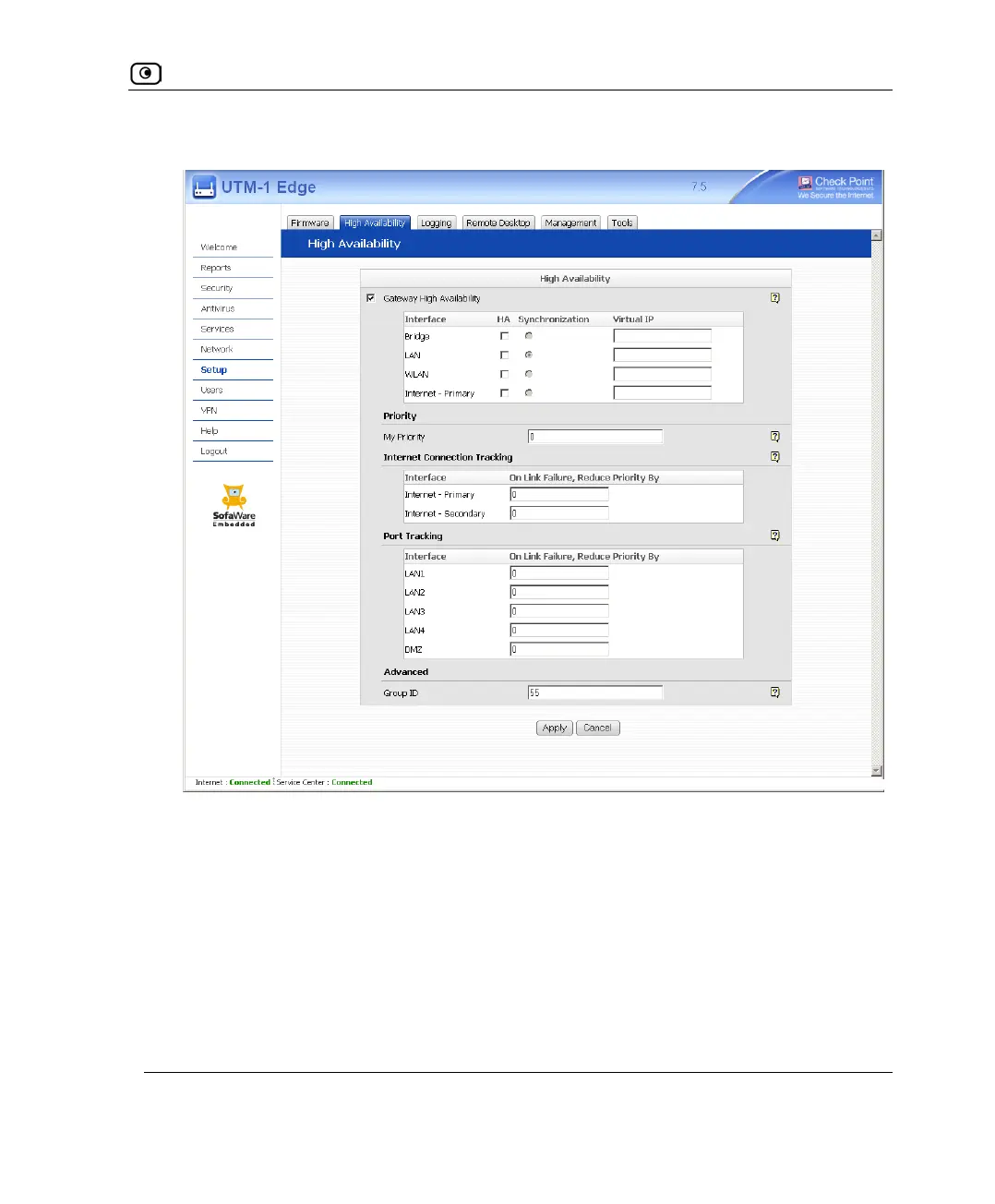
Configuring High Availability on a Gateway
Chapter 8: Configuring High Availability 247
The fields are enabled.
4. Next to each network for which you want to enable HA, select the HA check
box.
The Internet-Primary field represents the WAN interface, and the Internet-Secondary
field represents the WAN2 interface.
5. In the Virtual IP field, type the default gateway IP address.
This can be any unused IP address in the network, and must be the same for all
gateways.















 To Next Page