Adding and Editing Classes
260 Check Point UTM-1 Edge User Guide
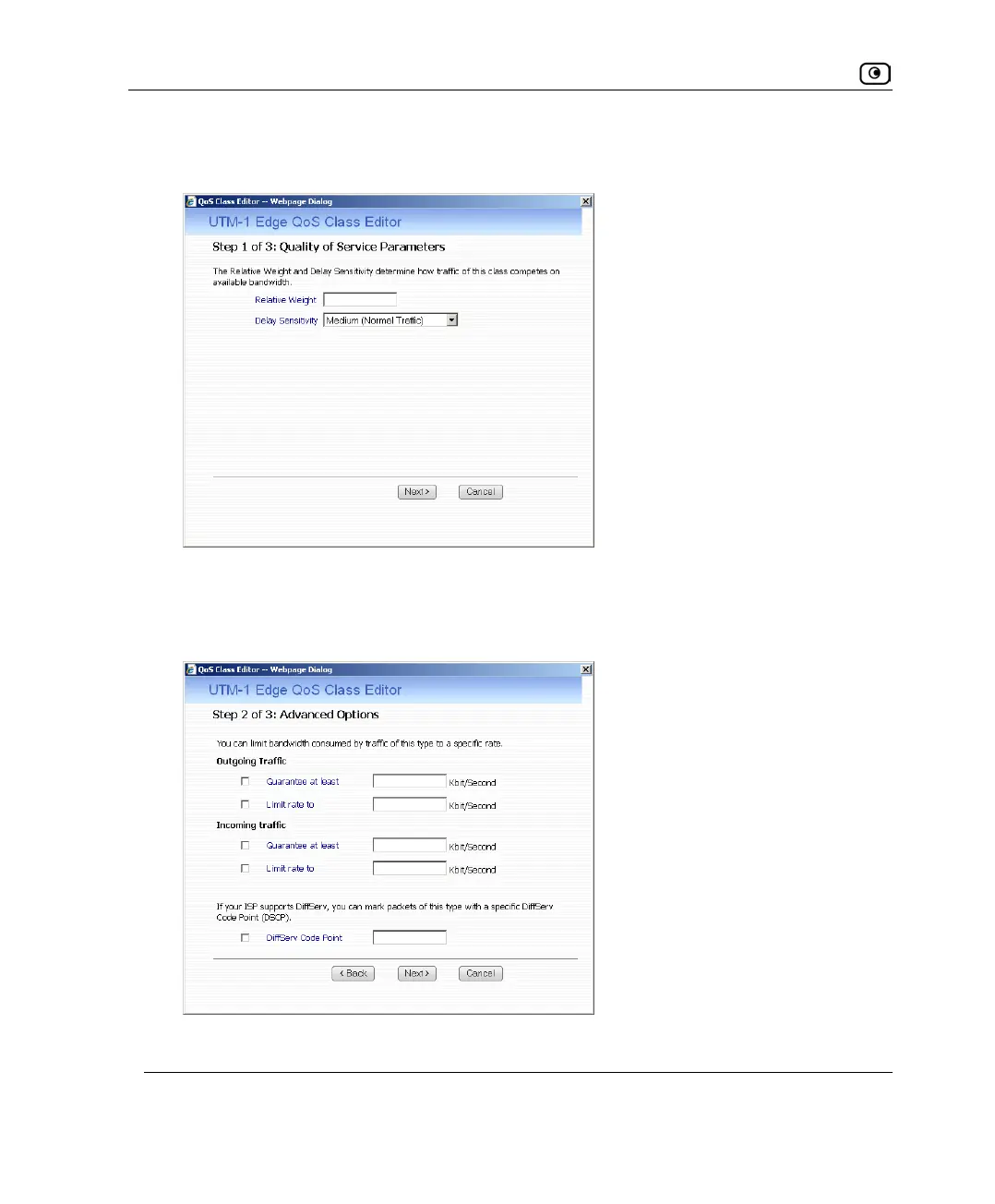
The UTM-1 QoS Class Editor wizard opens, with the Step 1 of 3: Quality of Service
Parameters dialog box displayed.
3. Complete the fields using the relevant information in the following table.
4. Click Next.
The Step 2 of 3: Advanced Options dialog box appears.
5. Complete the fields using the relevant information in the following table.















 To Next Page