Configuring Wireless Networks
Chapter 10: Working with Wireless Networks 277
Do the following:
1. In the text box, type the passphrase for accessing the network, or click Random
to randomly generate a passphrase.
This must be between 8 and 63 characters. It can contain spaces and special
characters, and is case-sensitive.
2. Click Next.
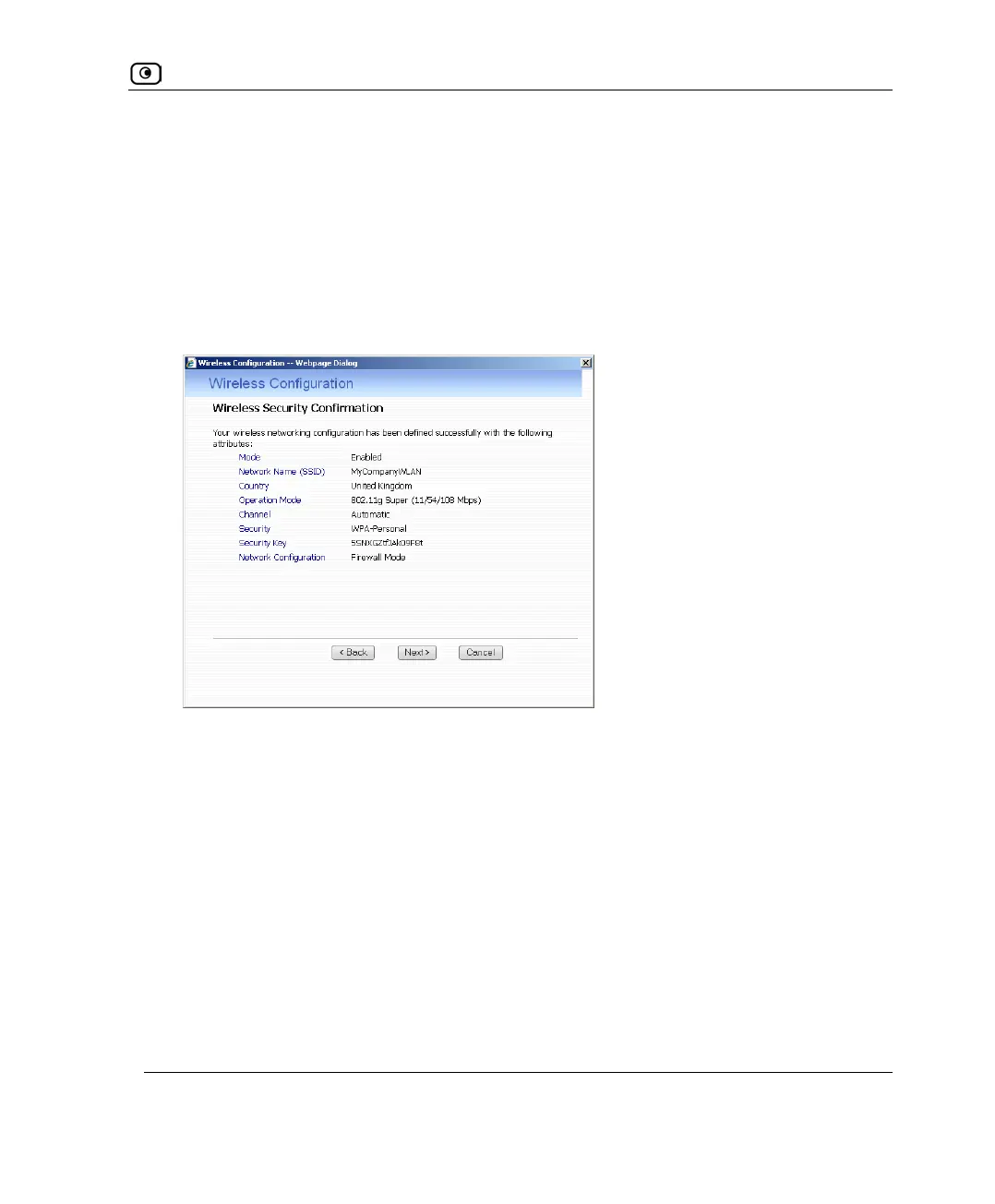
The Wireless Security Confirmation dialog box appears.
3. Click Next.















 To Next Page