The UTM-1 Edge X Series and UTM-1 Edge W Series
18 Check Point UTM-1 Edge User Guide
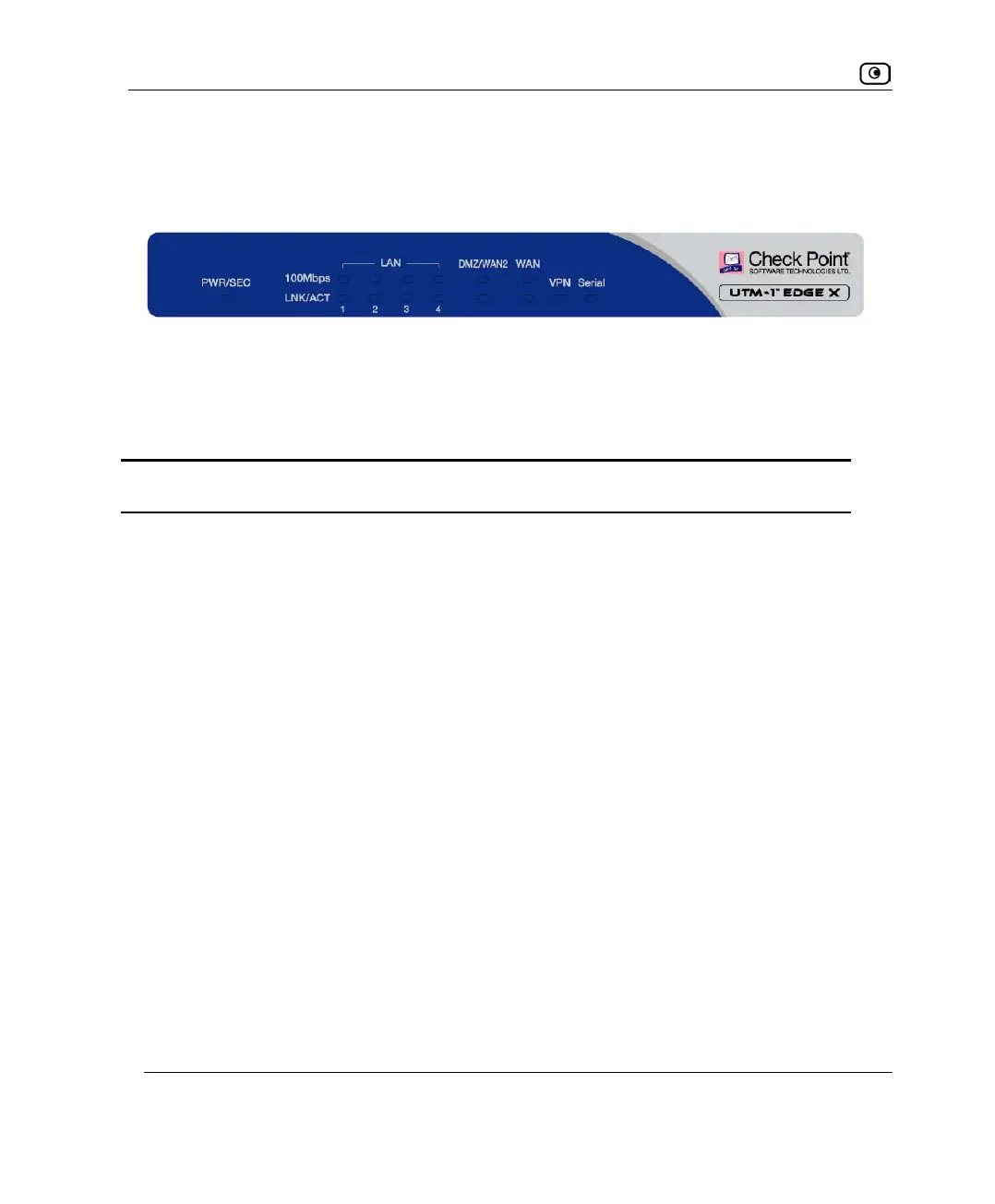
Front Panel
The UTM-1 Edge X appliance includes several status LEDs that enable you to monitor the
appliance’s operation.
For an explanation of the UTM-1 Edge X appliance’s status LEDs, see the table below.
Table 6: UTM-1 Edge X Appliance Status LEDs
LED State Explanation
PWR/SEC Off Power off
Flashing quickly (Green) System boot-up
Flashing slowly (Green) Establishing Internet connection
Flashing (Red) Hacker attack blocked
On (Green) Normal operation
On (Red) Error
LAN 1-
4/WAN/
DMZ/WAN2
LINK/ACT Off, 100 Off
Link is down
LINK/ACT On, 100 Off
10 Mbps link established for the
corresponding port
LINK/ACT On, 100 On
100 Mbps link established for the
corresponding port
Figure 2: UTM-1 Edge X Appliance Front Panel















 To Next Page