Viewing Wireless Statistics
Chapter 11: Viewing Reports 317
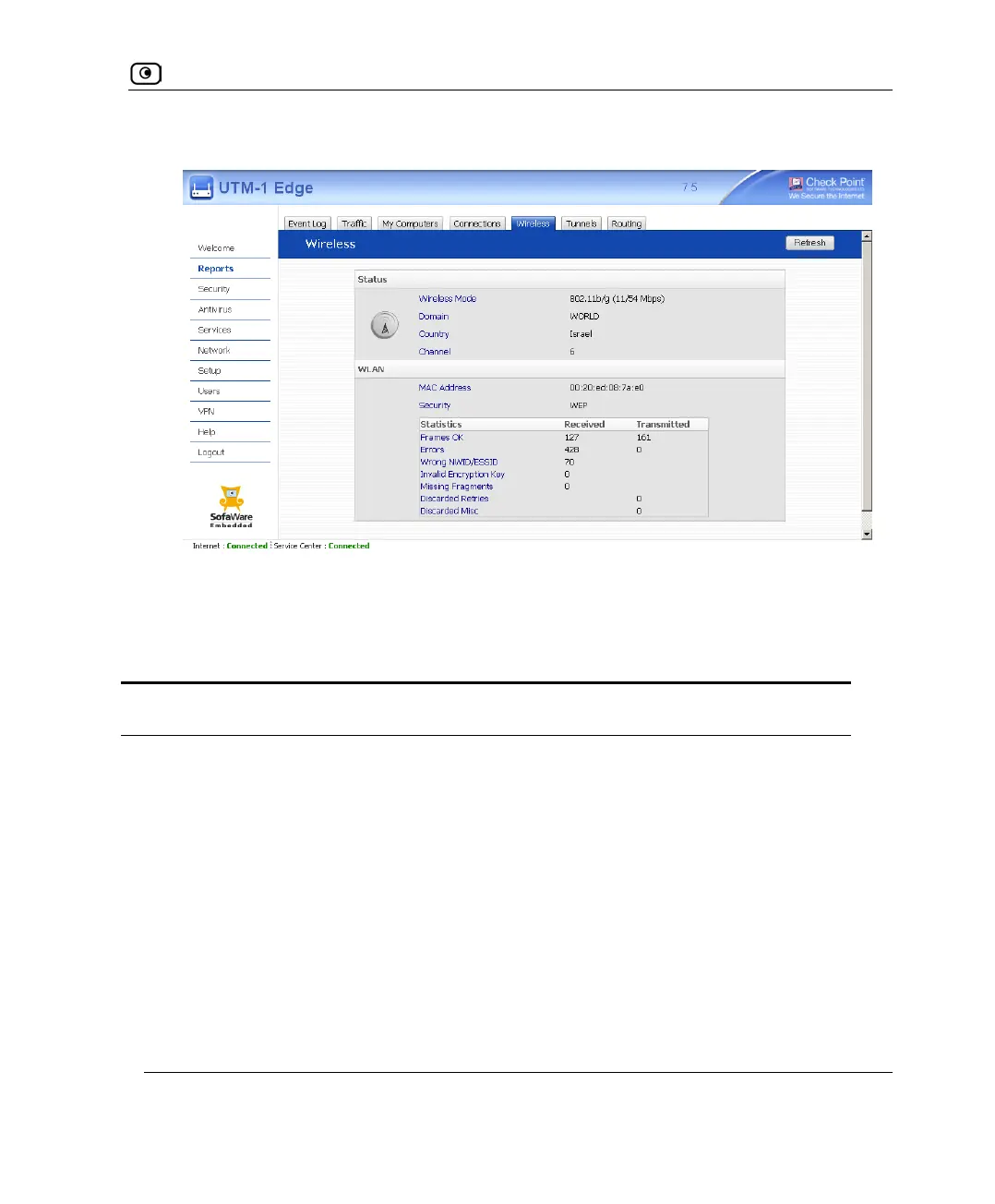
The Wireless page appears.
The page displays the information in the following tables.
2. To refresh the display, click Refresh.
Table 55: Wireless Statistics
This field… Displays…
Status
Wireless Mode The operation mode used by the primary WLAN, followed by the
transmission rate in Mbps
Domain The UTM-1 access point's region
Country The country configured for the primary WLAN
Channel The radio frequency used by the primary WLAN















 To Next Page