Configuring Servers
332 Check Point UTM-1 Edge User Guide
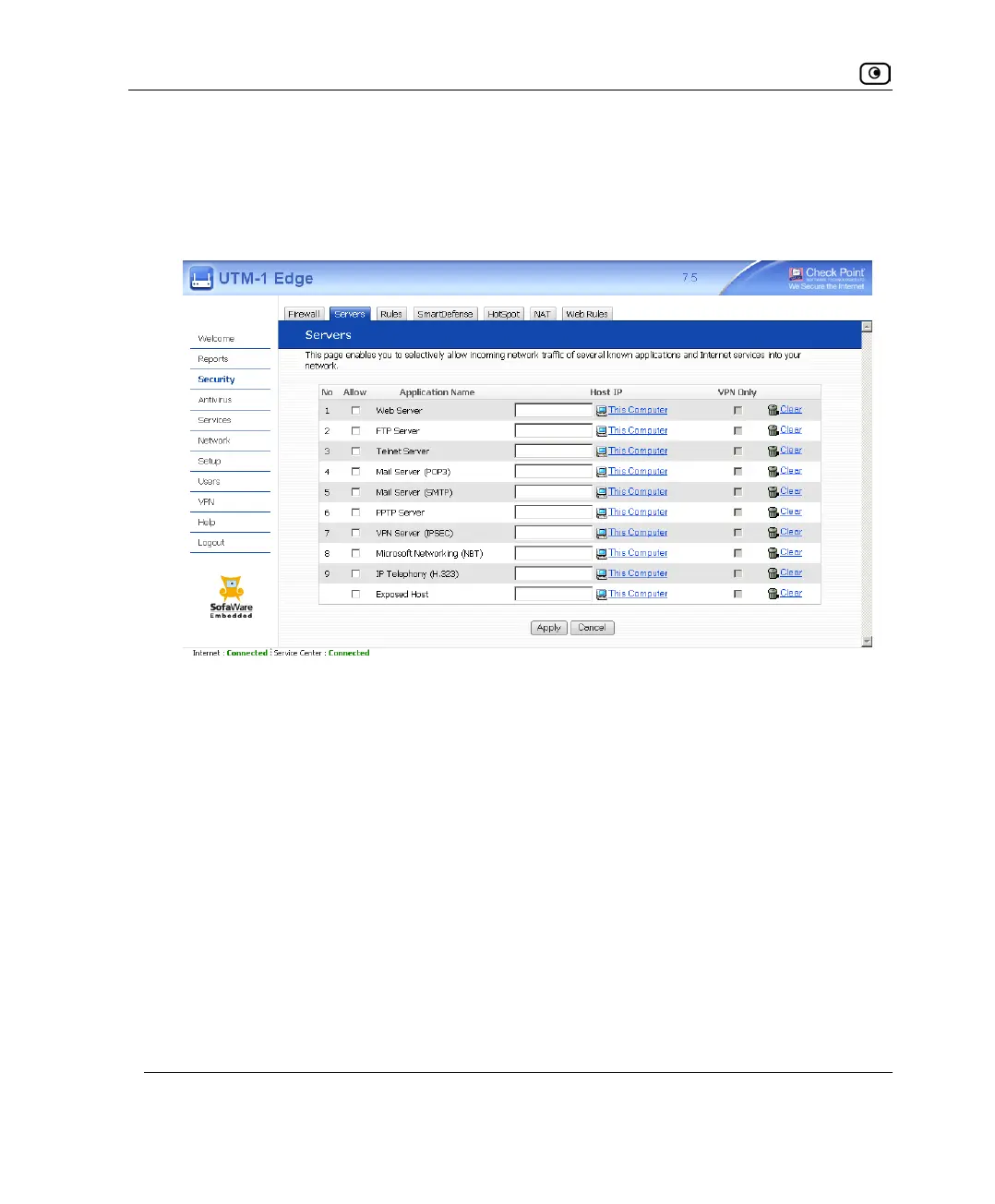
To allow services to be run on a specific host
1. Click Security in the main menu, and click the Servers tab.
The Servers page appears, displaying a list of services and a host IP address for each
allowed service.
2. Complete the fields using the information in the following table.
3. Click Apply.
A success message appears.















 To Next Page