Using Rules
338 Check Point UTM-1 Edge User Guide
Adding and Editing Firewall Rules
To add or edit a firewall rule
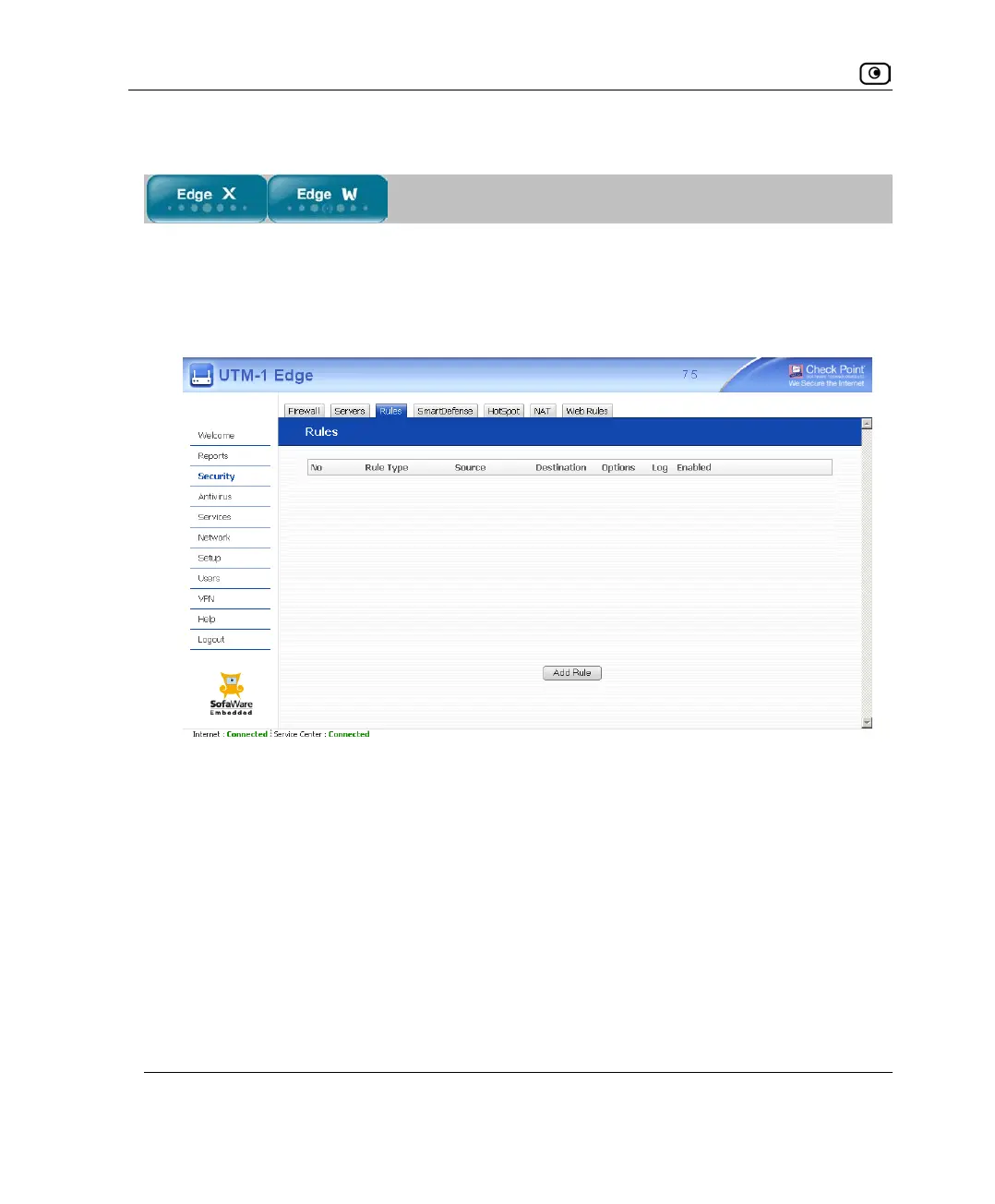
1. Click Security in the main menu, and click the Rules tab.
The Rules page appears.
2. Do one of the following:
• To add a new rule, click Add Rule.
• To edit an existing rule, click the Edit icon next to the desired rule.















 To Next Page