Using Rules
342 Check Point UTM-1 Edge User Guide
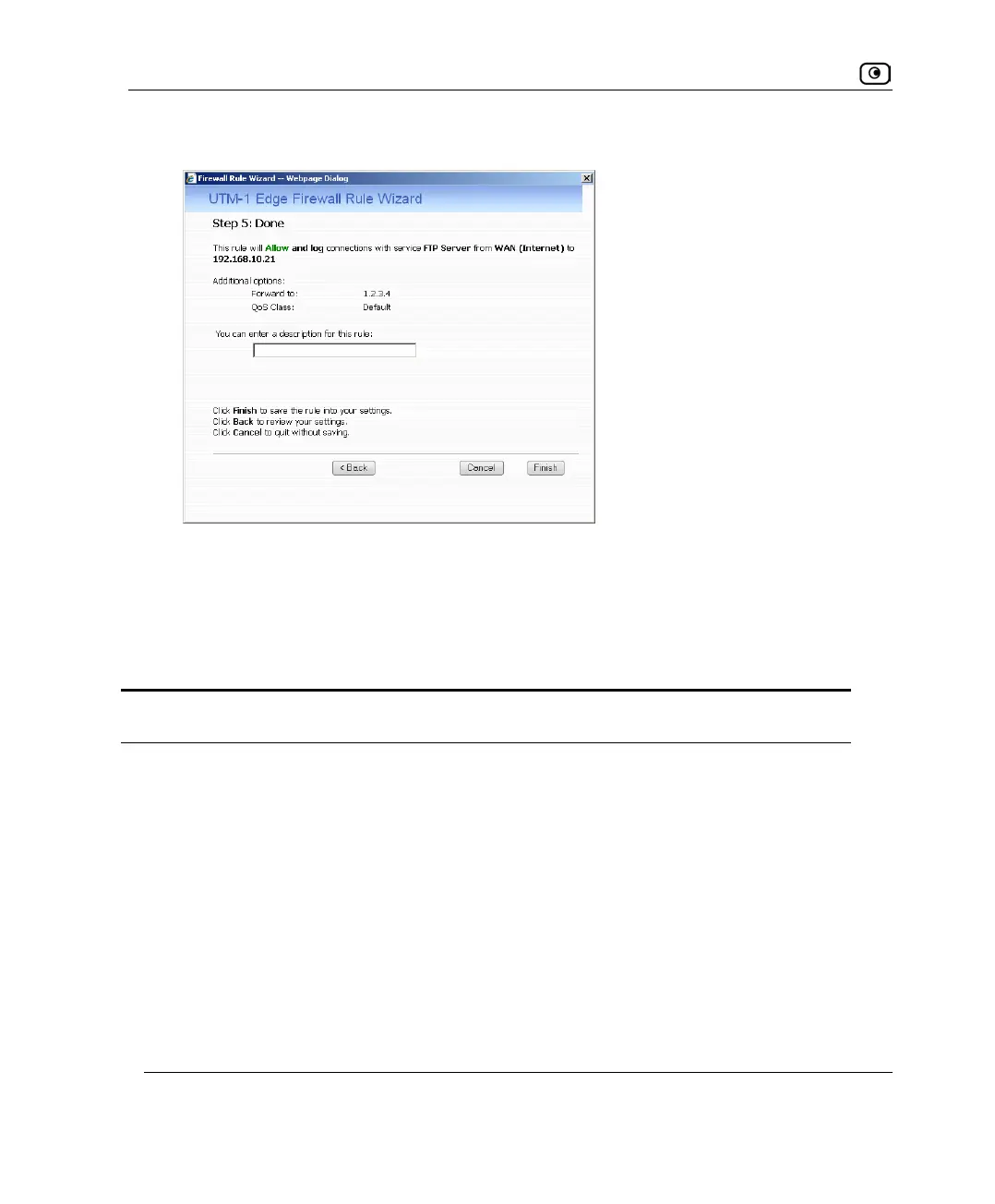
The Step 5: Done dialog box appears.
12. If desired, type a description of the rule in the field provided.
13. Click Finish.
The new rule appears in the Rules page.
Table 62: Firewall Rule Fields
In this field… Do this…
Any Service Click this option to specify that the rule should apply to any service.
Standard
Service
Click this option to specify that the rule should apply to a specific standard
service or a network service object.
You must then select the desired service or network service object from the
drop-down list.
Custom Service Click this option to specify that the rule should apply to a specific non-
standard service.
The Protocol and Port Range fields are enabled. You must fill them in.















 To Next Page