Using Port-Based Security
350 Check Point UTM-1 Edge User Guide
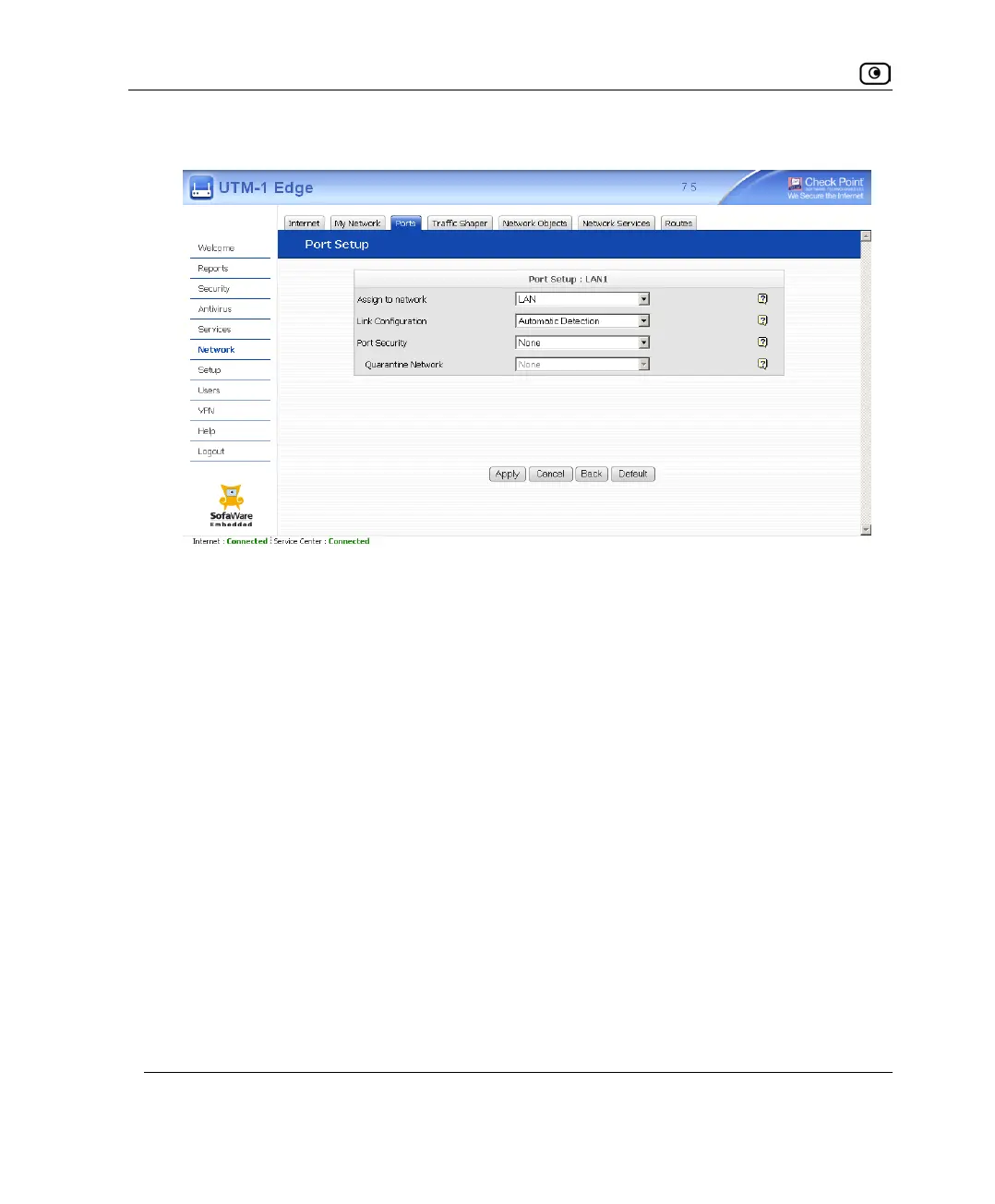
The Port Setup page appears.
7. In the Assign to network drop-down list, do one of the following:
• To configure dynamic VLAN assignment, select From RADIUS.
• To configure 802.1x security without dynamic VLAN assignment, select the
network to which users should be assigned upon successful authentication.
8. In the Port Security drop-down list, select 802.1x.
9. To configure a Quarantine network, in the Quarantine Network drop-down list,
select the network that should be the Quarantine network.
10. Click Apply.
A warning message appears.
11. Click OK.















 To Next Page