Using Web Rules
Chapter 12: Setting Your Security Policy 373
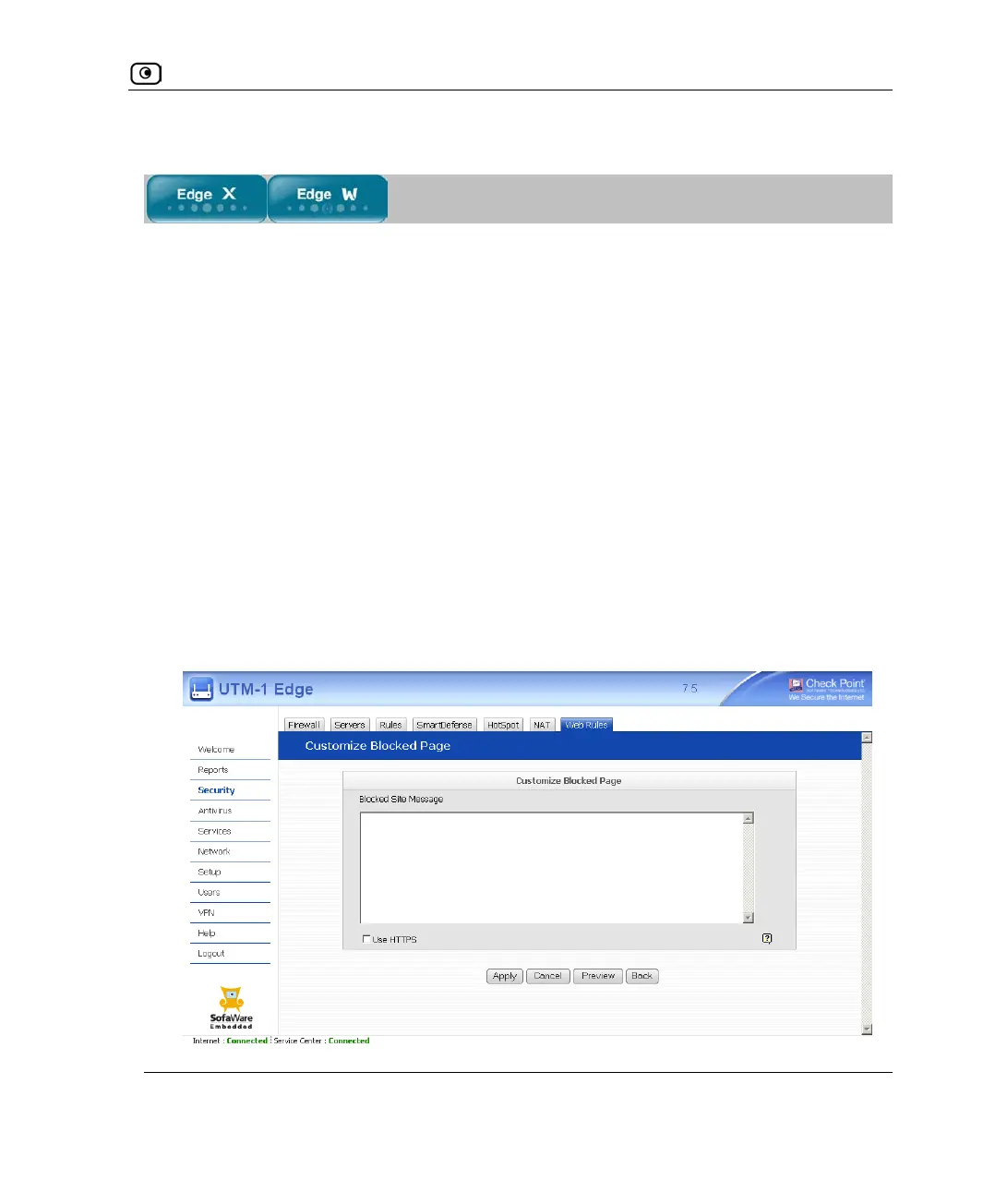
Customizing the Access Denied Page
The Access Denied page appears when a user attempts to access a page that is blocked
either by a Web rule or by the Web Filtering service. You can customize this page using
the following procedure.
For information on the Web Filtering service, see Web Filtering on page
454.
To customize the Access Denied page
1. Do one of the following:
• Click Security in the main menu, and click the Web Rules tab.
The Web Rules page appears.
• Click Services in the main menu, and click the Web Filtering tab.
The Web Filtering page appears.
2. Click Settings.
The Customize Blocked Page page appears. In the following example, this page was
accessed via the Web Rules page.















 To Next Page