Configuring SmartDefense
378 Check Point UTM-1 Edge User Guide
3. Drag the lever to the desired level of SmartDefense enforcement.
For information on the levels, see the following table.
4. Click Next.
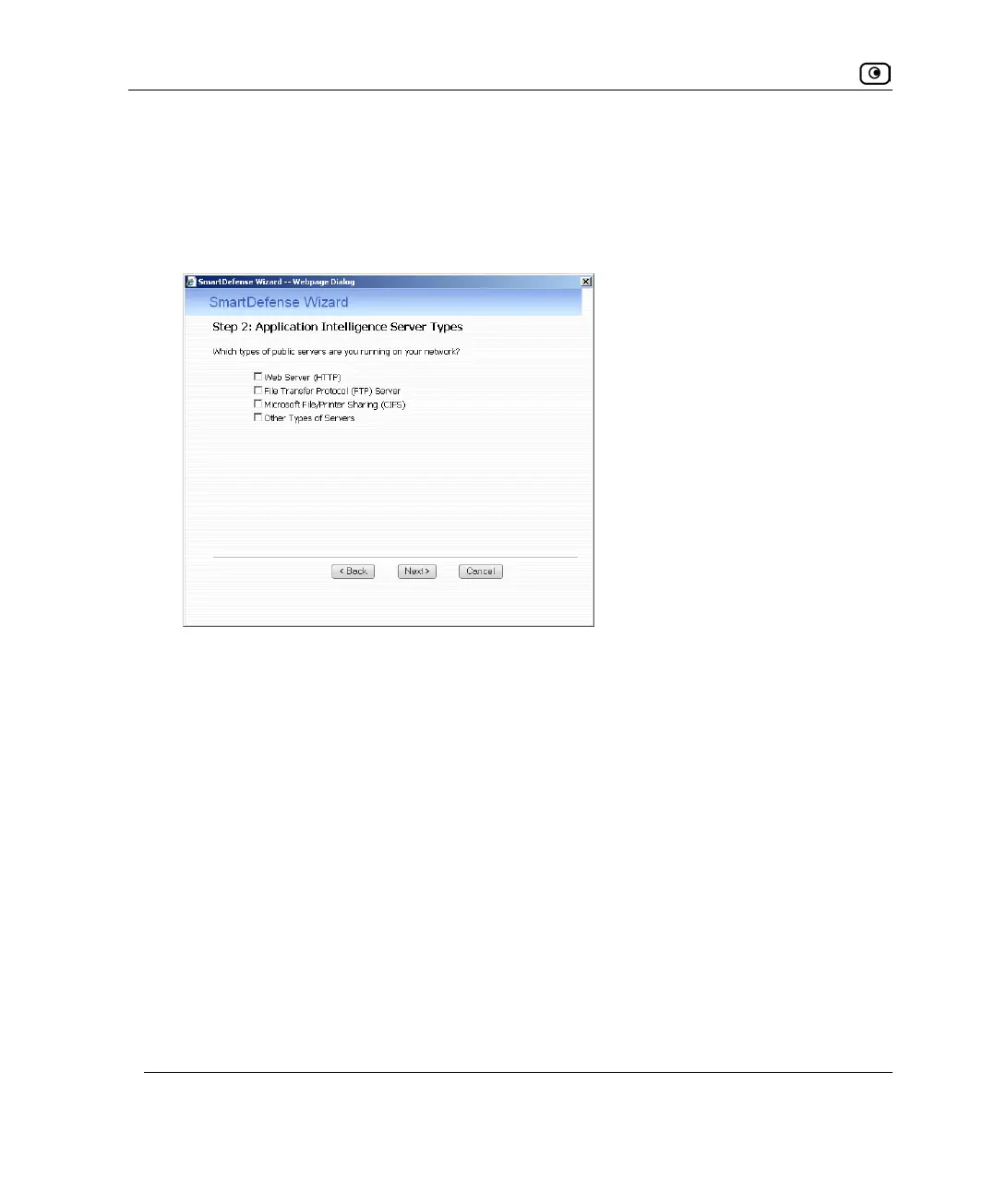
The Step 2: Application Intelligence Server Types dialog box appears.
5. Select the check boxes next to the types of public servers that are running on
your network.
6. Click Next.















 To Next Page