SmartDefense Categories
Chapter 13: Using SmartDefense 395
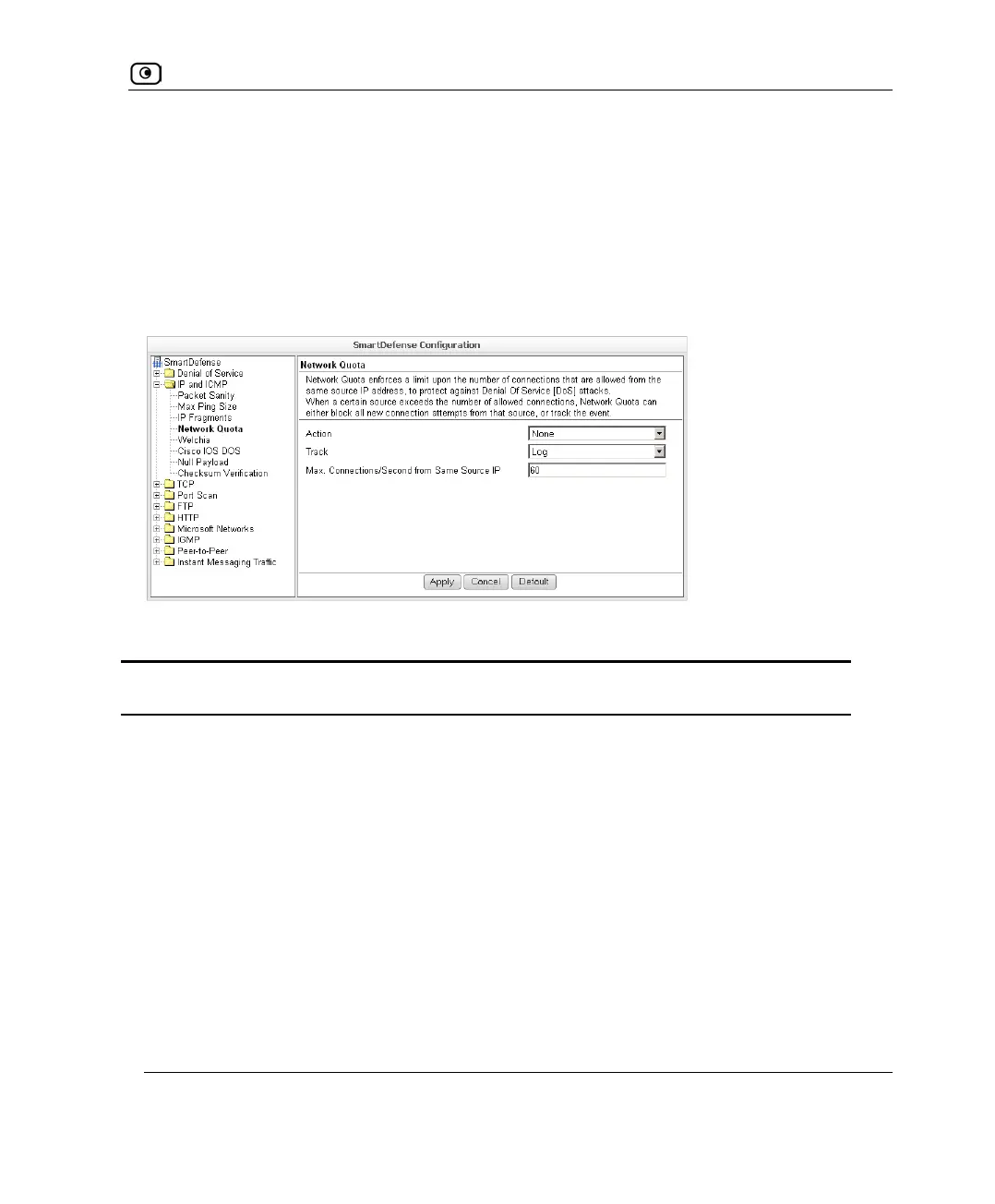
Network Quota
An attacker may try to overload a server in your network by establishing a very large
number of connections per second. To protect against Denial Of Service (DoS) attacks,
Network Quota enforces a limit upon the number of connections per second that are
allowed from the same source IP address.
You can configure how connections that exceed that limit should be handled.
Table 76: Network Quota Fields
In this field… Do this…
Action Specify what action to take when the number of network connections
from the same source reaches the Max. Connections/Second per Source IP
threshold. Select one of the following:
• Block. Block all new connections from the source. Existing
connections will not be blocked. This is the default.
• None. No action.
Track Specify whether to log connections from a specific source that exceed
the Max. Connections/Second per Source IP threshold, by selecting one of
the following:
• Log. Log the connections. This is the default.
• None. Do not log the connections.















 To Next Page