SmartDefense Categories
Chapter 13: Using SmartDefense 397
Table 77: Welchia Fields
In this field… Do this…
Action Specify what action to take when the Welchia worm is detected, by selecting
one of the following:
• Block. Block the attack. This is the default.
• None. No action.
Track Specify whether to log Welchia worm attacks, by selecting one of the
following:
• Log. Log the attack. This is the default.
• None. Do not log the attack.
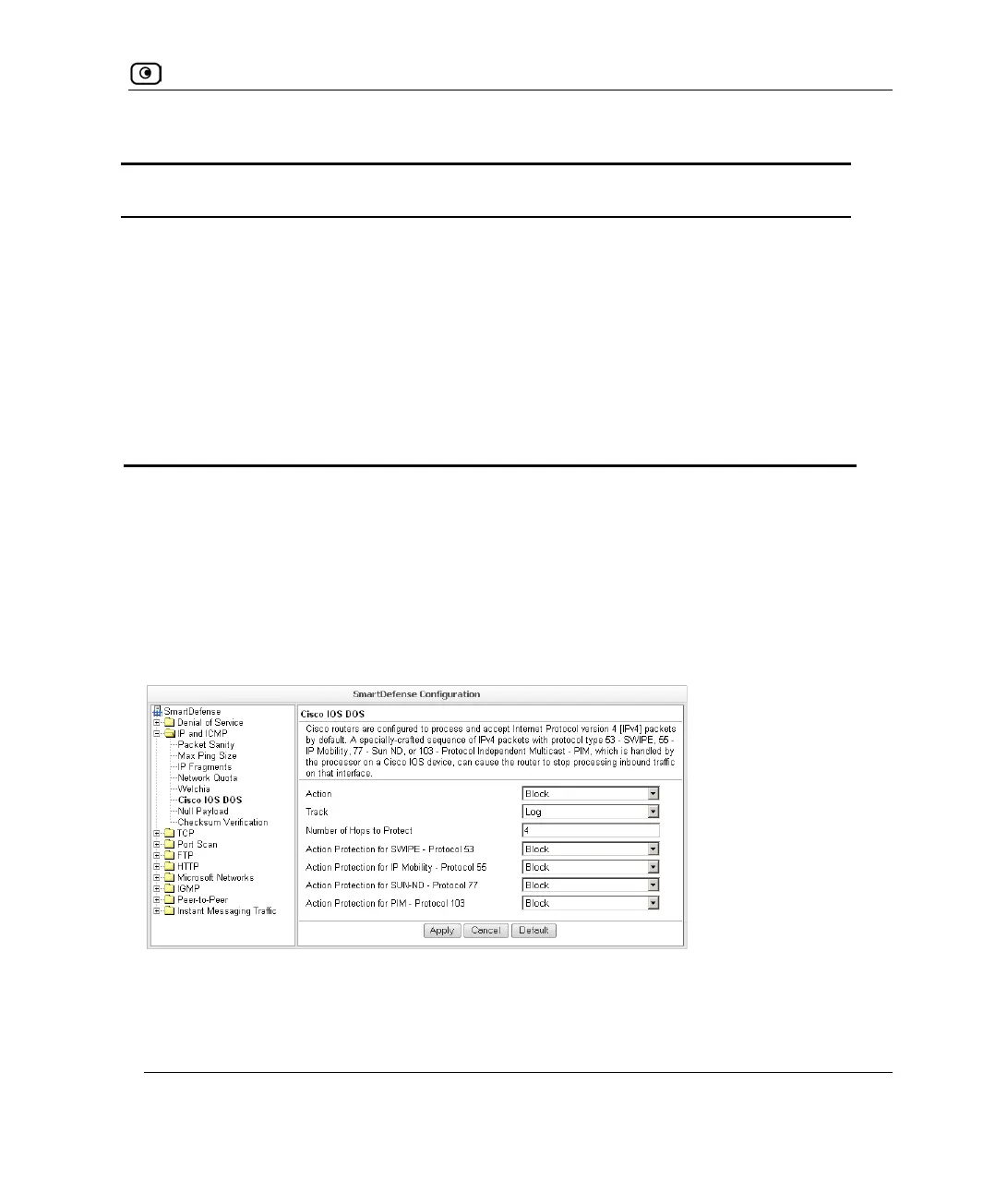
Cisco IOS DOS
Cisco routers are configured to process and accept Internet Protocol version 4 (IPv4)
packets by default. When a Cisco IOS device is sent a specially crafted sequence of IPv4
packets (with protocol type 53 - SWIPE, 55 - IP Mobility, 77 - Sun ND, or 103 - Protocol
Independent Multicast - PIM), the router will stop processing inbound traffic on that
interface.
You can configure how Cisco IOS DOS attacks should be handled.















 To Next Page