SmartDefense Categories
Chapter 13: Using SmartDefense 407
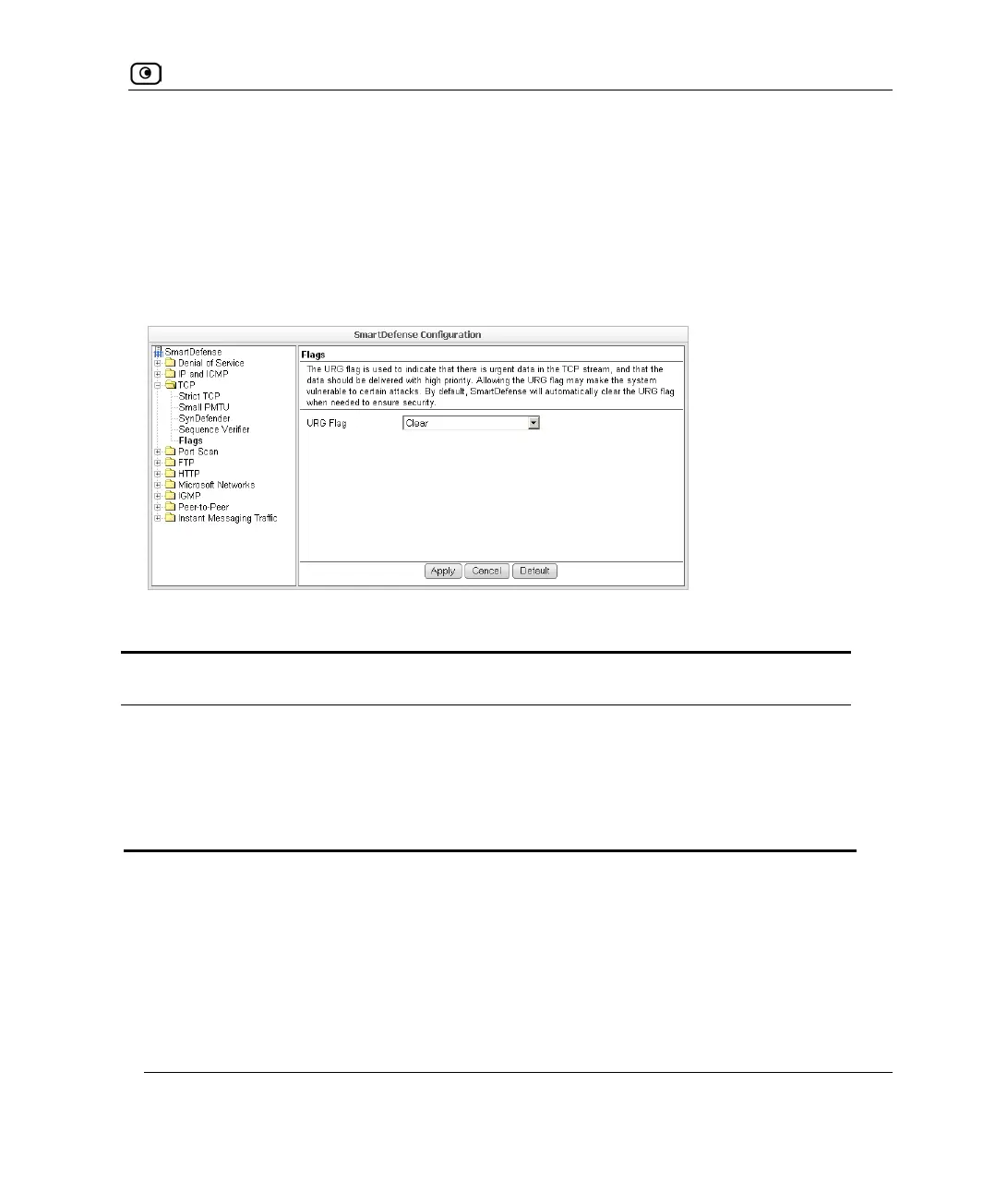
Flags
The URG flag is used to indicate that there is urgent data in the TCP stream, and that the
data should be delivered with high priority. Since handling of the URG flag is inconsistent
between different operating systems, an attacker can use the URG flag to conceal certain
attacks.
You can configure how the URG flag should be handled.
Table 85: Flags Fields
In this field… Do this…
URG Flag Specify whether to clear or allow the URG flag, by selecting one of the
following:
• Clear. Clear the URG flag on all incoming packets. This is the
default.
• Allow. Allow the URG flag.















 To Next Page