Configuring VStream Antivirus
440 Check Point UTM-1 Edge User Guide
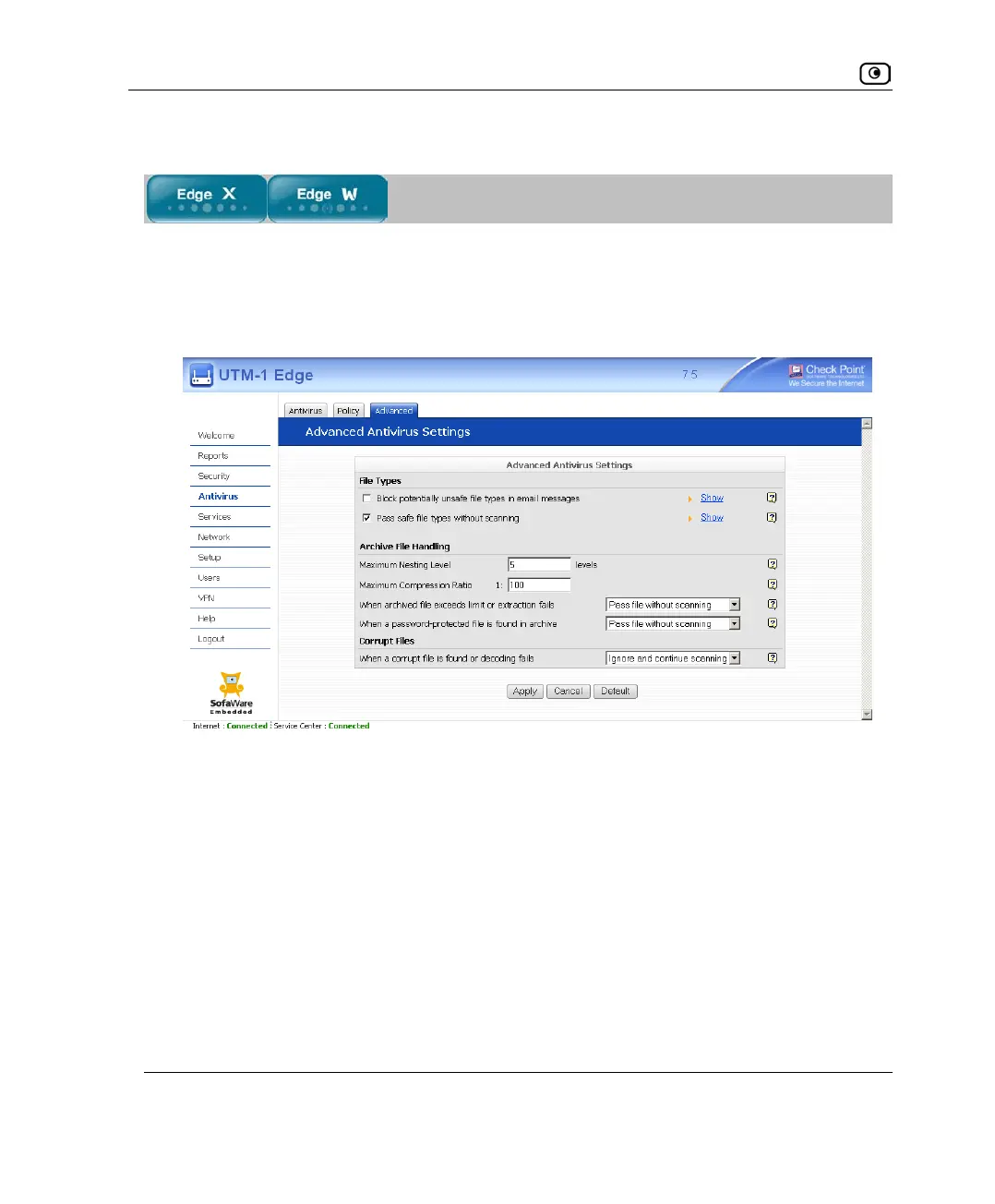
Configuring VStream Antivirus Advanced Settings
To configure VStream Antivirus advanced settings
1. Click Antivirus in the main menu, and click the Advanced tab.
The Advanced Antivirus Settings page appears.
2. Complete the fields using the following table.
3. Click Apply.
4. To restore the default VStream Antivirus settings, do the following:
a) Click Default.
A confirmation message appears.
b) Click OK.
The VStream Antivirus settings are reset to their defaults. For information on the
default values, refer to the following table.















 To Next Page