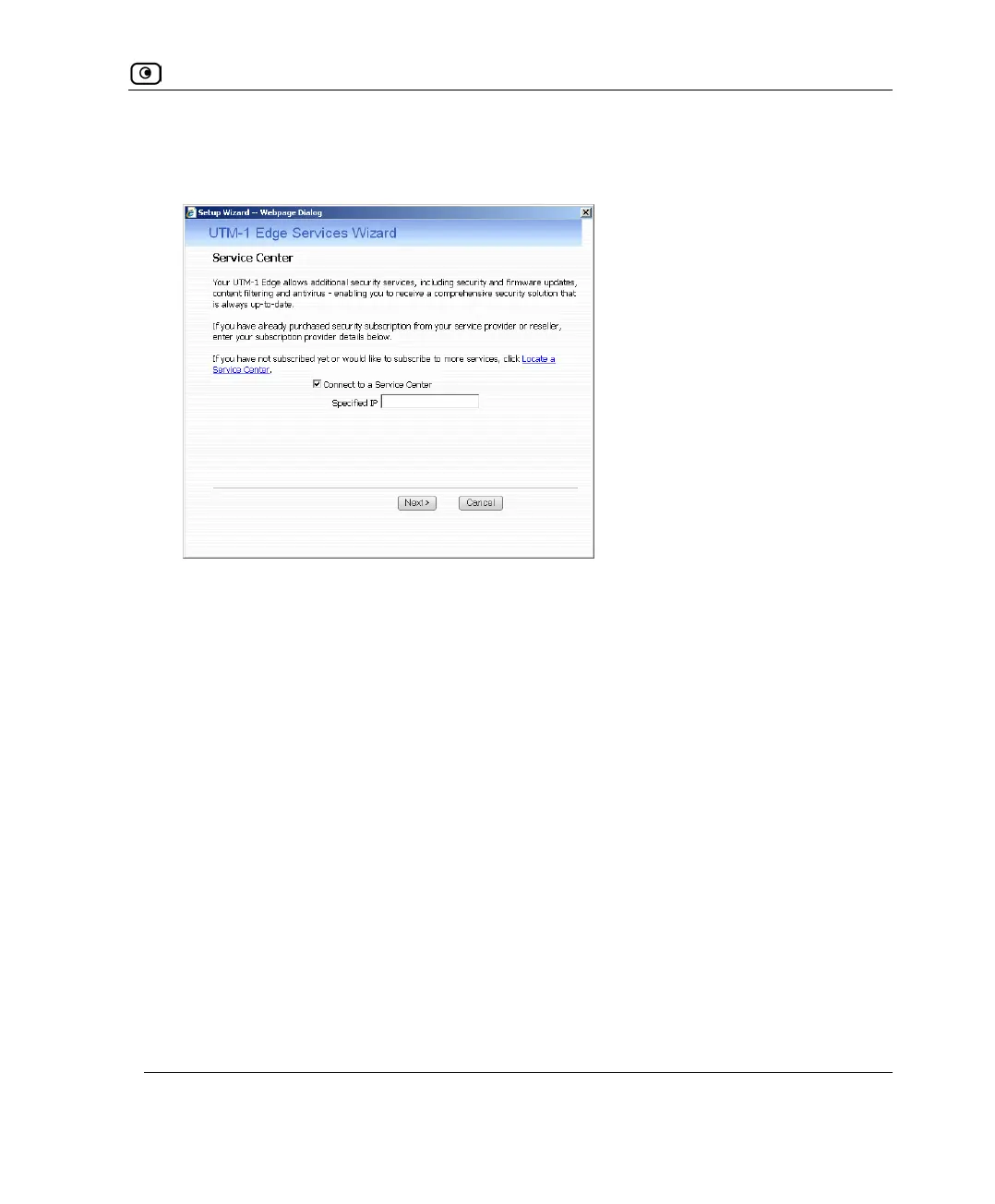
Connecting to a Service Center
Chapter 15: SMART Management and Subscription Services 447
2. In the Service Account area, click Connect.
The UTM-1 Services Wizard opens, with the Service Center dialog box displayed.
3. Make sure the Connect to a Service Center check box is selected.
4. Do one of the following:
• To connect to the SofaWare Service Center, choose usercenter.sofaware.com.
• To specify a Service Center, choose Specified IP and then in the Specified IP
field, enter the desired Service Center’s IP address, as given to you by your
system administrator.
5. Click Next.
• The Connecting screen appears.















 To Next Page