Adding and Editing VPN Sites
Chapter 16: Working with VPNs 501
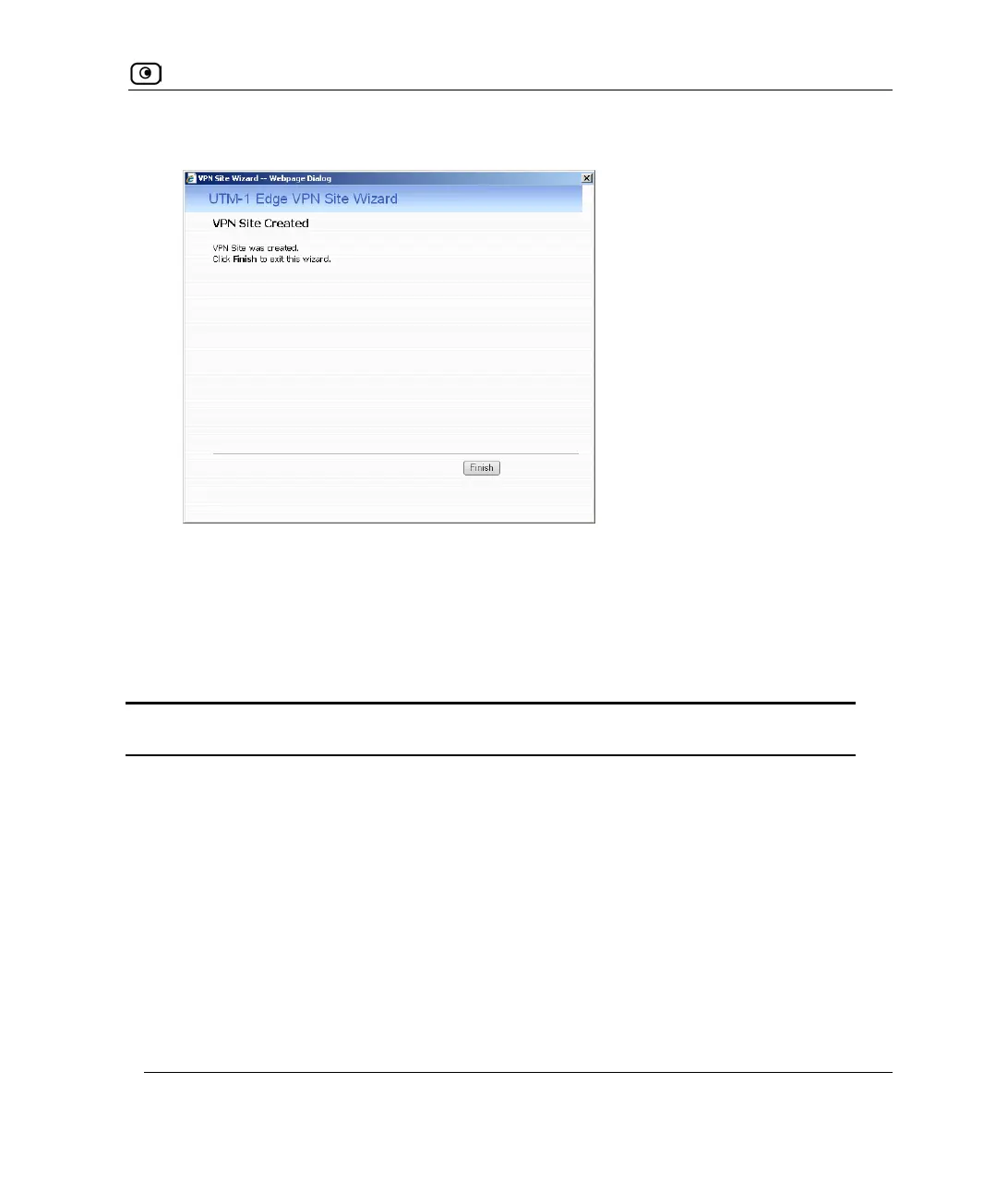
The VPN Site Created screen appears.
3. Click Finish.
The VPN Sites page reappears. If you added a VPN site, the new site appears in the
VPN Sites list. If you edited a VPN site, the modifications are reflected in the VPN
Sites list.
Table 102: VPN Network Configuration Fields
In this field… Do this…
Download
Configuration
Click this option to obtain the network configuration by downloading it from
the VPN site.
This option will automatically configure your VPN settings, by downloading
the network topology definition from the Remote Access VPN Server.
Note: Downloading the network configuration is only possible if you are
connecting to a Check Point VPN-1 or UTM-1 Site-to-Site VPN Gateway.
Specify
Configuration
Click this option to provide the network configuration manually.















 To Next Page