Adding Quick Guest HotSpot Users
Chapter 17: Managing Users 551
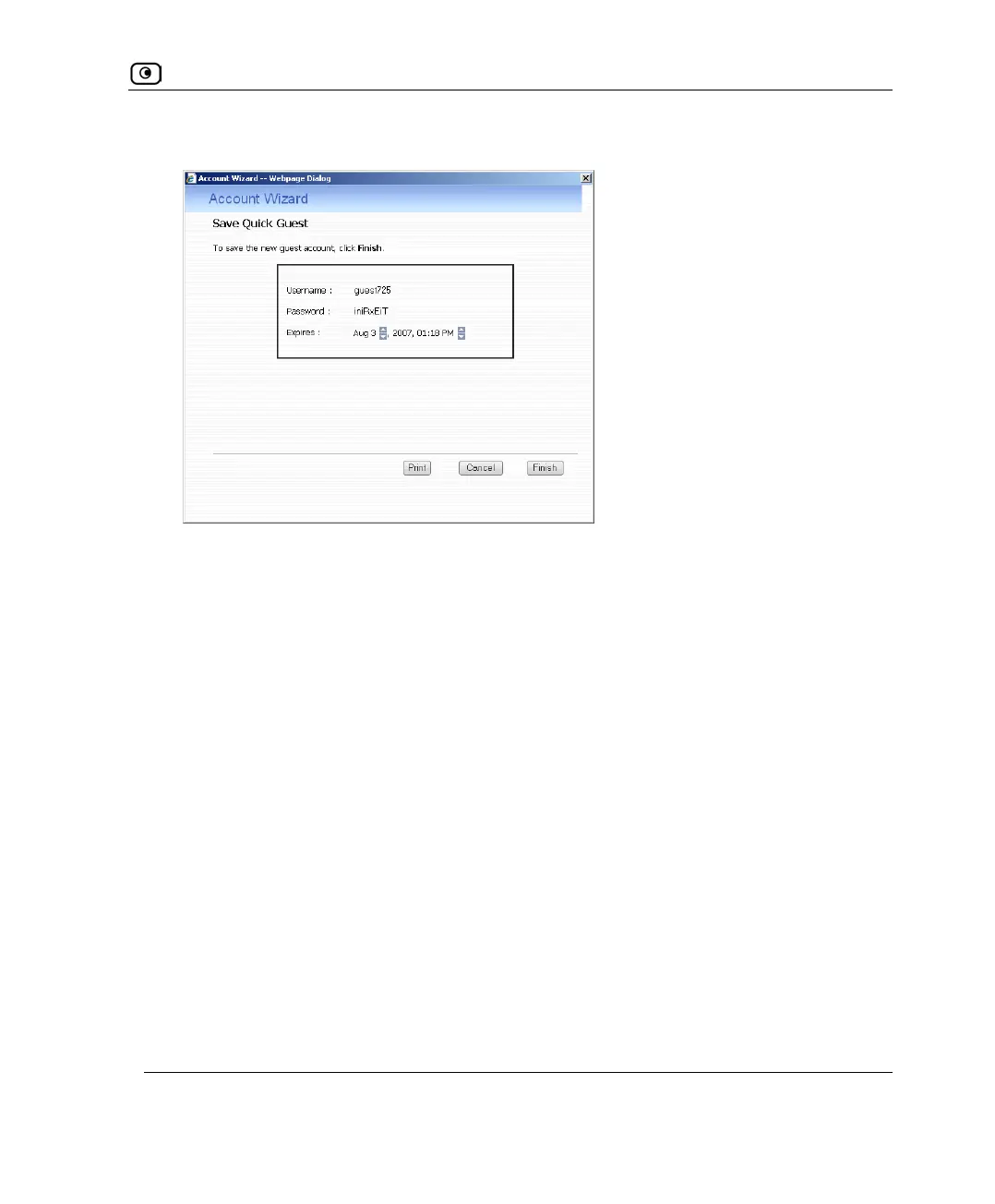
The Account Wizard opens displaying the Save Quick Guest dialog box.
3. In the Expires field, click on the arrows to specify the expiration date and time.
4. To print the user details, click Print.
5. Click Finish.
The guest user is saved.
You can edit the guest user's details and permissions using the procedure Adding and
Editing Users on page
546.















 To Next Page