Updating the Firmware
Chapter 19: Maintenance 581
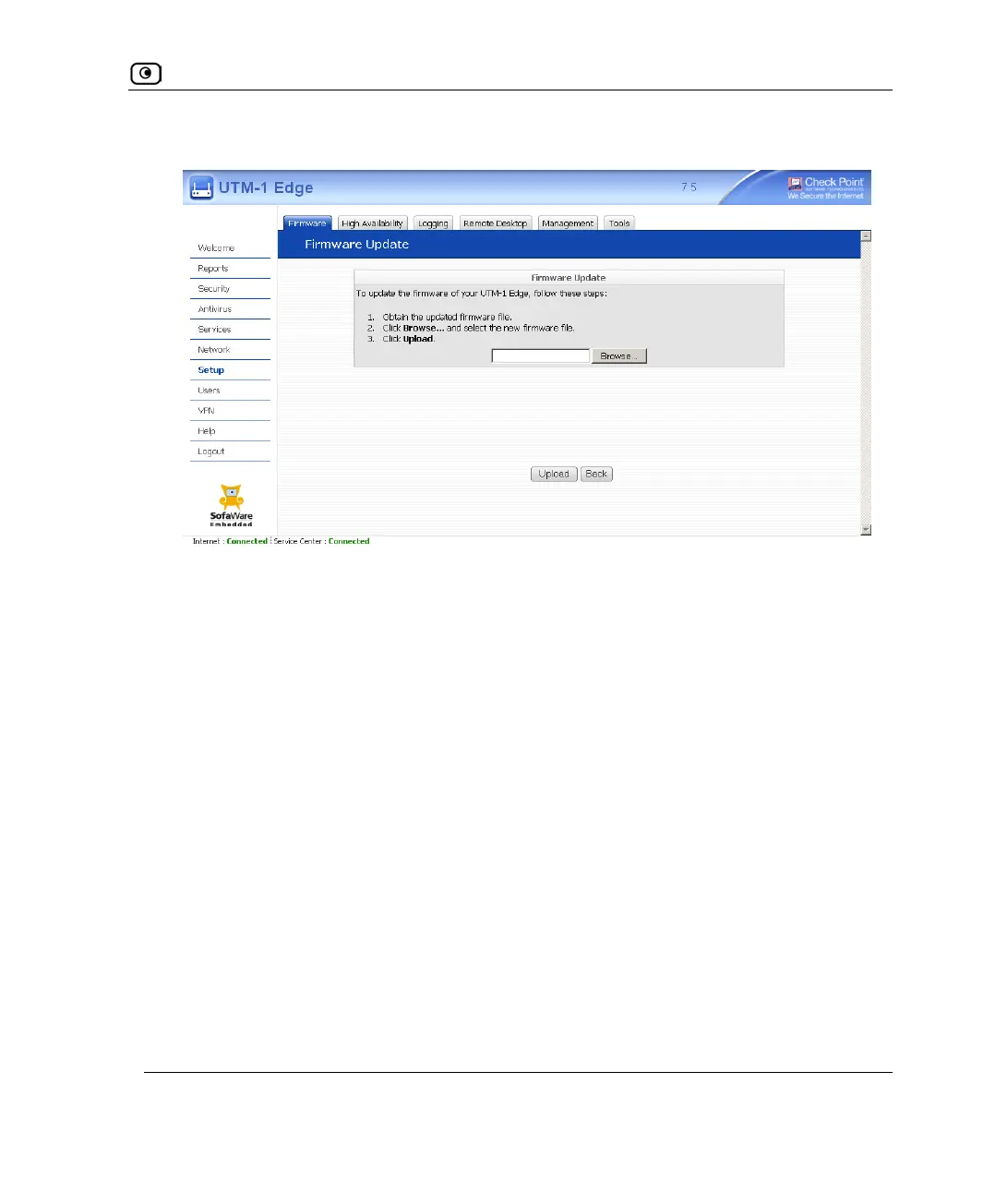
The Firmware Update page appears.
3. Click Browse.
A browse window appears.
4. Select the image file and click Open.
The Firmware Update page reappears. The path to the firmware update image file
appears in the Browse text box.
5. Click Upload.
Your UTM-1 appliance firmware is updated.
Updating may take a few minutes. Do not power off the appliance.
At the end of the process the UTM-1 appliance restarts automatically.















 To Next Page