Upgrading Your License
Chapter 19: Maintenance 583
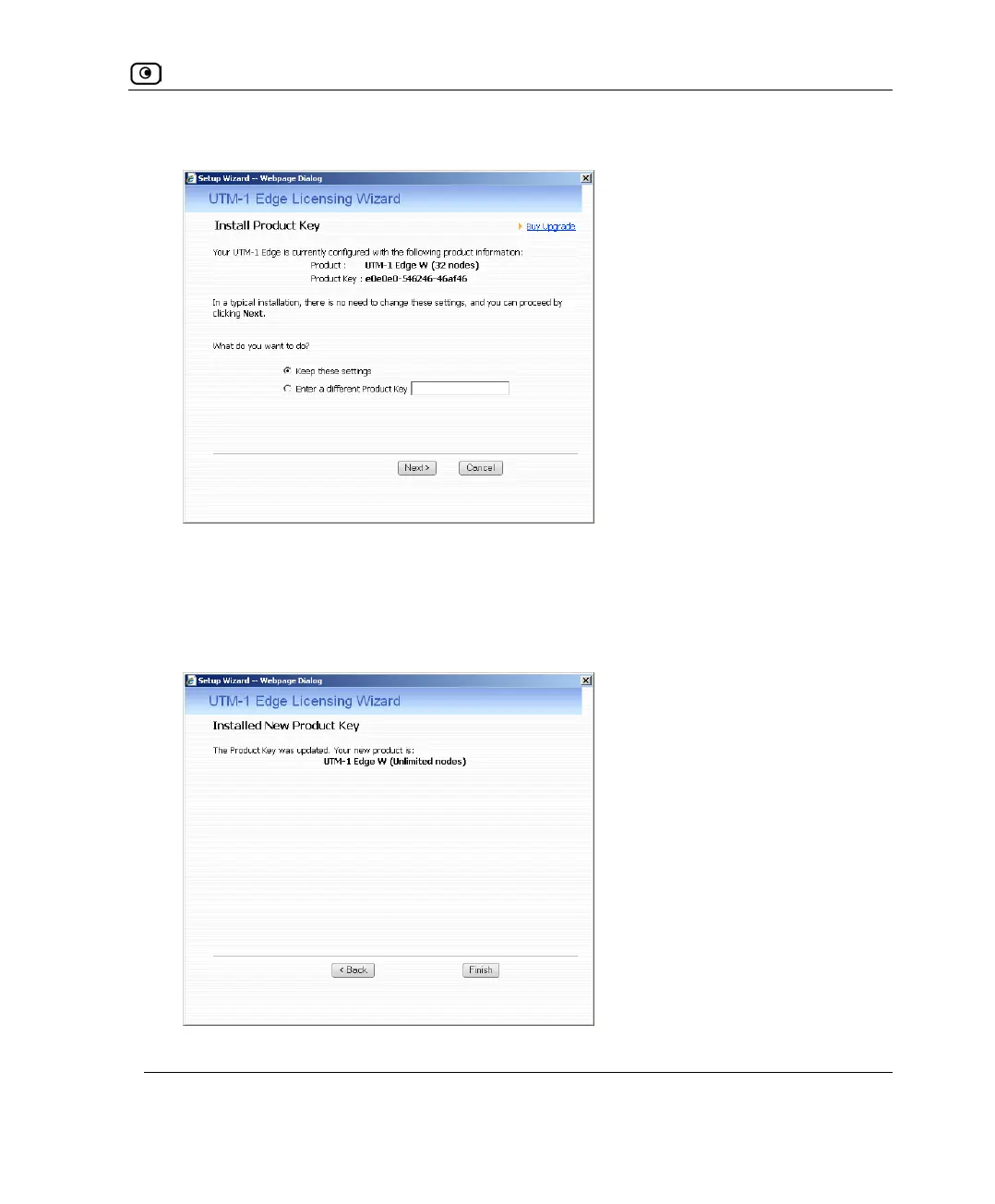
The UTM-1 Licensing Wizard opens, with the Install Product Key dialog box displayed.
3. Click Enter a different Product Key.
4. In the Product Key field, enter the new Product Key.
5. Click Next.
The Installed New Product Key dialog box appears.















 To Next Page